

Unleashing the Power of Amazon Influencer Storefront 🚀
Ever dreamt of having your own boutique on the world's largest online marketplace? Welcome to the Amazon Influencer Storefront—a virtual shopfront allowing influencers to curate their favorite products and share them with their followers. But what makes it a goldmine?
Think of it as a fusion of promoting on Amazon and the power of social influence. It's a platform where your personal brand meets Amazon's vast consumer base. Imagine the potential of your bio link tool driving traffic from your Instagram or TikTok straight to your Amazon Storefront. Sounds exciting, doesn't it?
But how can you amplify your storefront on Amazon? How can you use the Instagram bio link tool effectively? Let's dive into the world of Amazon listing optimization and social media links to explore the answers.
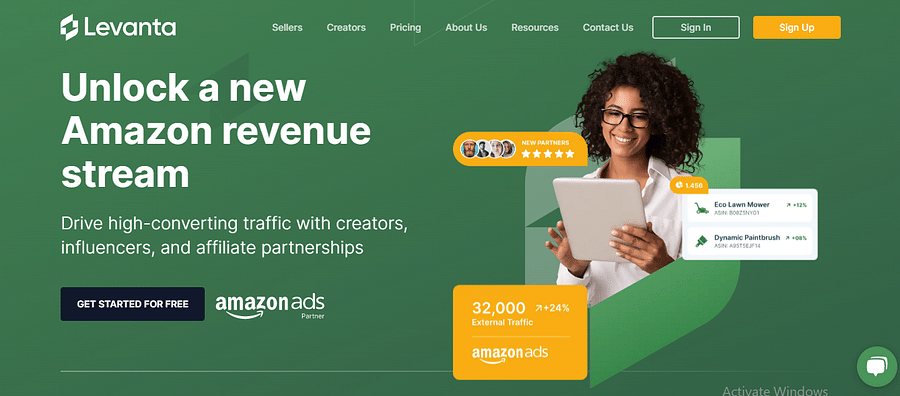
Your Step-by-Step Guide to Crafting a Stellar Amazon Influencer Storefront 🛠️
Now that we've introduced the concept of Amazon Influencer Storefront, let's dive into the process of setting one up for your brand.
Setting Up Your Amazon Influencer Storefront: A Step-by-Step Guide

Learn more about 📦 Setting Up Your Amazon Influencer Storefront: A Step-by-Step Guide or discover other Your Custom Link guides.
Congratulations, you've set up your Amazon Influencer Storefront! But don't stop there - the next section will cover how to optimize your storefront to make it more engaging and successful.
Supercharge Your Storefront: Top Tips for Amazon Listing Optimization 🎯
Ever wondered how to make your Amazon Influencer Storefront stand out from the crowd? The key lies in thoughtful Amazon listing optimization and a dash of creativity. Remember, your storefront is more than just a place to list products—it's your brand's virtual home on Amazon, and it should reflect your unique style and personality.
Start by choosing high-quality, engaging images for your products and writing compelling, keyword-rich descriptions. But don't stop there. Why not add a personal touch by sharing your own experiences with the products? This not only makes your storefront more engaging but also builds trust with your audience.
Finally, don't forget to leverage tools like the Instagram bio link tool to direct your social media followers to your Amazon storefront. After all, promoting on Amazon is all about connecting the dots between your different online platforms.
To help you get started on optimizing your Amazon Influencer Storefront, we've created a handy checklist. This will guide you through the key steps to make your storefront more engaging and successful.
Now that you've got a handle on the key steps for optimizing your storefront, let's take a look at an example of a well-optimized product listing to give you some inspiration.
Now that you have optimized your Amazon Influencer Storefront, it's time to focus on driving traffic to your storefront. One way to attract potential customers is by featuring popular and well-optimized products. Take a look at this example of a well-optimized product listing:
By showcasing products like this, you can increase the visibility and credibility of your storefront, ultimately driving more traffic and sales.
Boost Your Storefront's Popularity: Strategies for Driving Traffic 🚦
So, you've set up your Amazon Influencer Storefront and it's looking fantastic, but how do you get the world to see it? Well, it's time to leverage your social media platforms and blog collaborations.
Start by optimizing your Instagram bio link tool to direct followers straight to your Amazon listing. Ever thought about collaborating with fellow bloggers? It's a brilliant way to cross-promote and reach a wider audience.
And here's a pro tip: don't forget to use a bio link tool to manage and optimize all your social media links. With Your Custom Link, you can create a centralized hub for all your promotional links, making it easy for your audience to find and navigate to your Amazon Influencer Storefront.
As we further explore different strategies to drive traffic to your storefront, let's take a look at a practical example. Here's a YouTube video by Christopher Michael that showcases '7 Ways to Promote Your Amazon Influencer Store'. This video provides a real-life demonstration of how an influencer can effectively promote their Amazon Influencer Storefront.
In the video, Christopher Michael demonstrates various promotional strategies that can help drive more traffic to your Amazon Influencer Storefront. As you'll notice, social media plays a significant role in his approach. Next, we'll look at a TikTok video example of a storefront promotion to explore how other platforms can be leveraged for promotion.
Now that we've seen how a YouTube influencer promotes their Amazon Storefront, let's take a look at a TikTok video that demonstrates a similar promotion strategy. This video is by Lauren White, a popular influencer known for her Amazon Finds.
Lauren's approach to promoting her Amazon Storefront is a great example of how influencers can effectively drive traffic to their storefronts. Now, let's move on to discuss how you can leverage your custom link for enhanced promotion.
Maximize Your Reach: Harnessing the Power of the Bio Link Tool 🔗
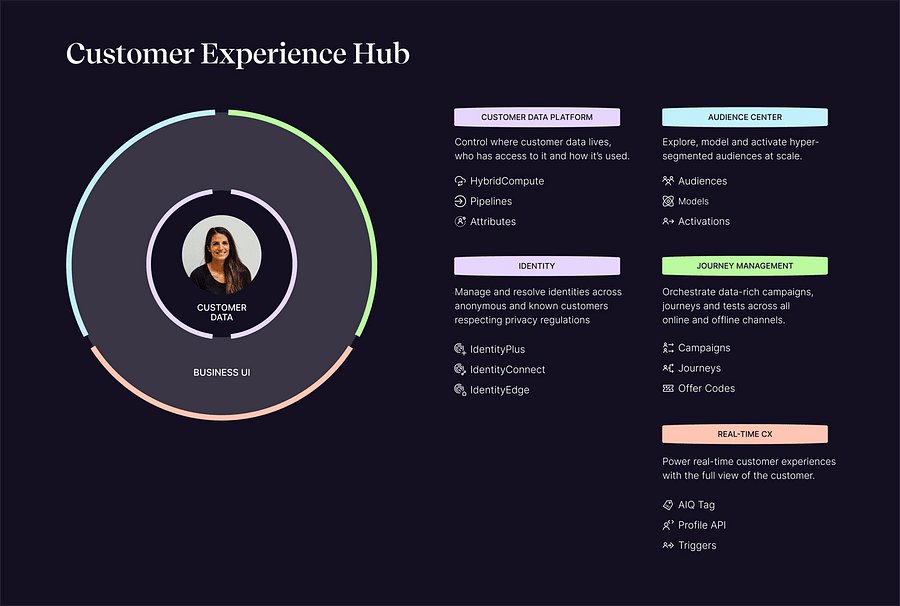
So, you've got your Amazon Influencer Storefront set up and optimized. What's next? The key is to drive traffic, and that's where Your Custom Link shines. This bio link tool streamlines the process of managing and promoting your social media links, making it easier to amplify your storefront on Amazon.
Imagine this scenario: A potential customer discovers your Instagram, intrigued by your content. They click on your bio link, and voila! They're led directly to your Amazon Influencer Storefront. No detours, no confusion. Just a smooth, direct path leading straight to your products. Sounds ideal, right? That's the power of an effective Instagram bio link tool.
But it's not just about Instagram. Your Custom Link is a comprehensive solution, integrating with various social media platforms from TikTok to Twitter. So why wait? Start connecting your Amazon website to TikTok and more, and watch your influencer storefront thrive.
The Final Takeaway: Amplifying Your Amazon Influencer Storefront 🎁
As we wrap up, let's take a moment to revisit the power of the Amazon Influencer Storefront. It's not just a platform, it's an opportunity; a stage where you, as an influencer, can amplify your brand and deepen the connection with your audience. Think about it - isn't it exciting to have your personal curated shop on one of the world's largest online marketplaces?
But remember, the storefront is only as good as the strategy behind it. Effective promotion, careful optimization, and clever use of tools like Your Custom Link for managing your social media links, can turn your Amazon storefront from a static page into a dynamic influencer hub.
So, are you ready to turn your Amazon Influencer Storefront into a thriving digital ecosystem? The stage is yours. Break a leg!
What's your current stage with your Amazon Influencer Storefront?
We'd love to know where you are in your Amazon Influencer Storefront journey. Please select the option that best describes your current stage.

No comments yet. Be the first to share your thoughts!