
Optimize Bio Links Right
Before you build your link-in-bio page, you need to clear the path. Instagram and TikTok both strip tracking data if you don’t set up your URLs correctly. A broken tracking setup means you are flying blind, unable to tell which posts drive sales and which ones fall flat.
Start by choosing a dedicated link-in-bio tool rather than a single direct link. Platforms like Lnk.Bio let you host multiple destinations on one page, which is essential for converting traffic from both Instagram and TikTok simultaneously. This creates a central hub where users can navigate to your latest product, newsletter, or event without leaving the app interface.
Next, configure your analytics. You must append UTM parameters to every URL you publish. These tags allow Google Analytics to distinguish traffic coming from Instagram Stories versus TikTok profile clicks. Without this data, you cannot optimize your content strategy based on actual performance.
Finally, ensure your landing pages are mobile-optimized. Most bio link traffic comes from phones. If your destination site loads slowly or requires horizontal scrolling, users will bounce before they convert. Test your links on a real device before publishing.
Work through the steps
Optimizing your Instagram and TikTok bio links requires a structured approach. You are not just pasting a URL; you are building a landing page that lives in a tiny, high-traffic real estate slot. The goal is to reduce friction between the viewer’s interest and their action.
Follow this sequence to ensure every click counts.

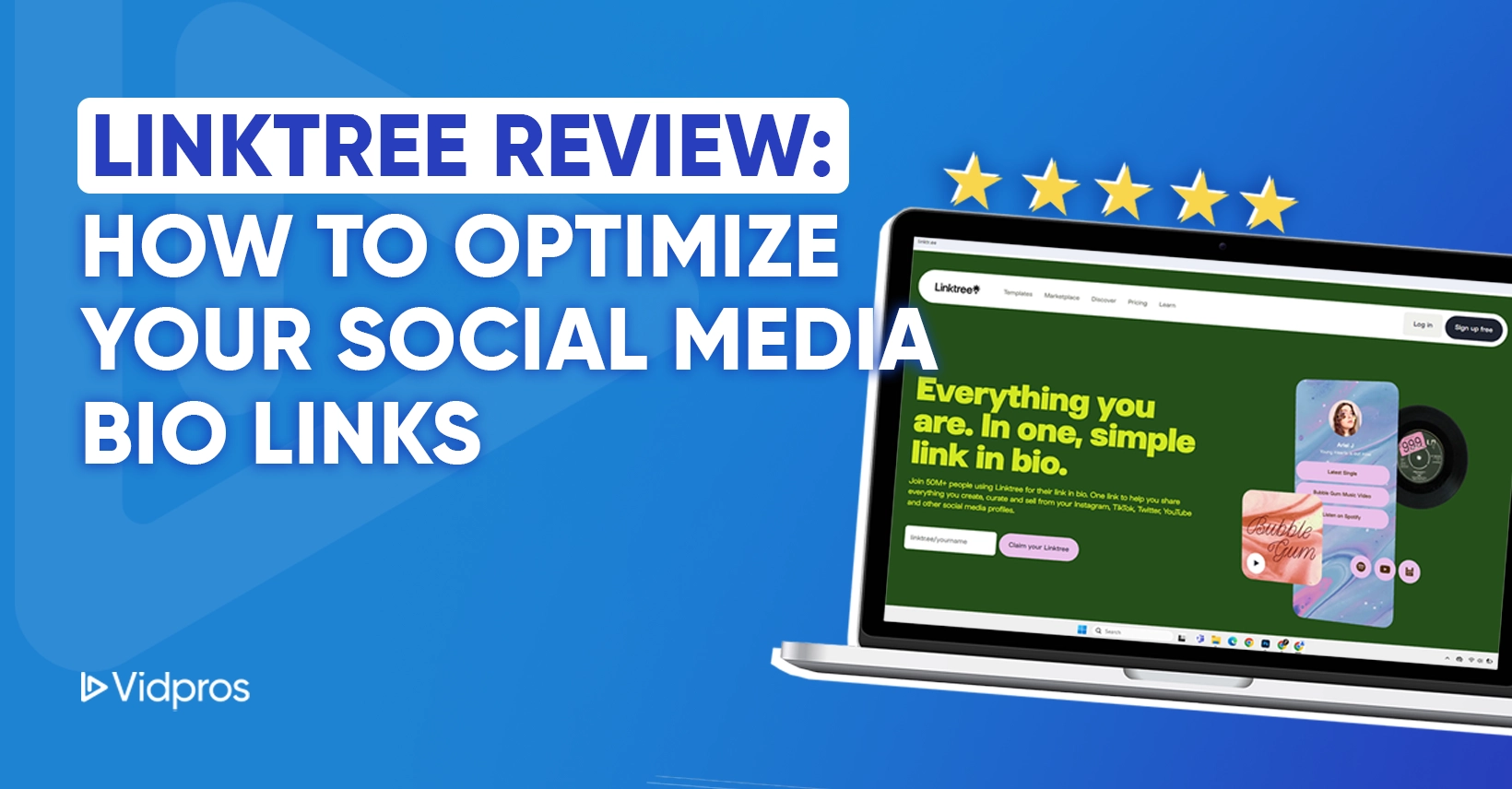
Most platforms allow only one clickable link. You need a aggregator service like Lnk.Bio or Linktree to host multiple destinations. Choose a tool that offers clean analytics, fast load times, and mobile-first design. Avoid tools with excessive ads or cluttered layouts that distract from your primary conversion goal.
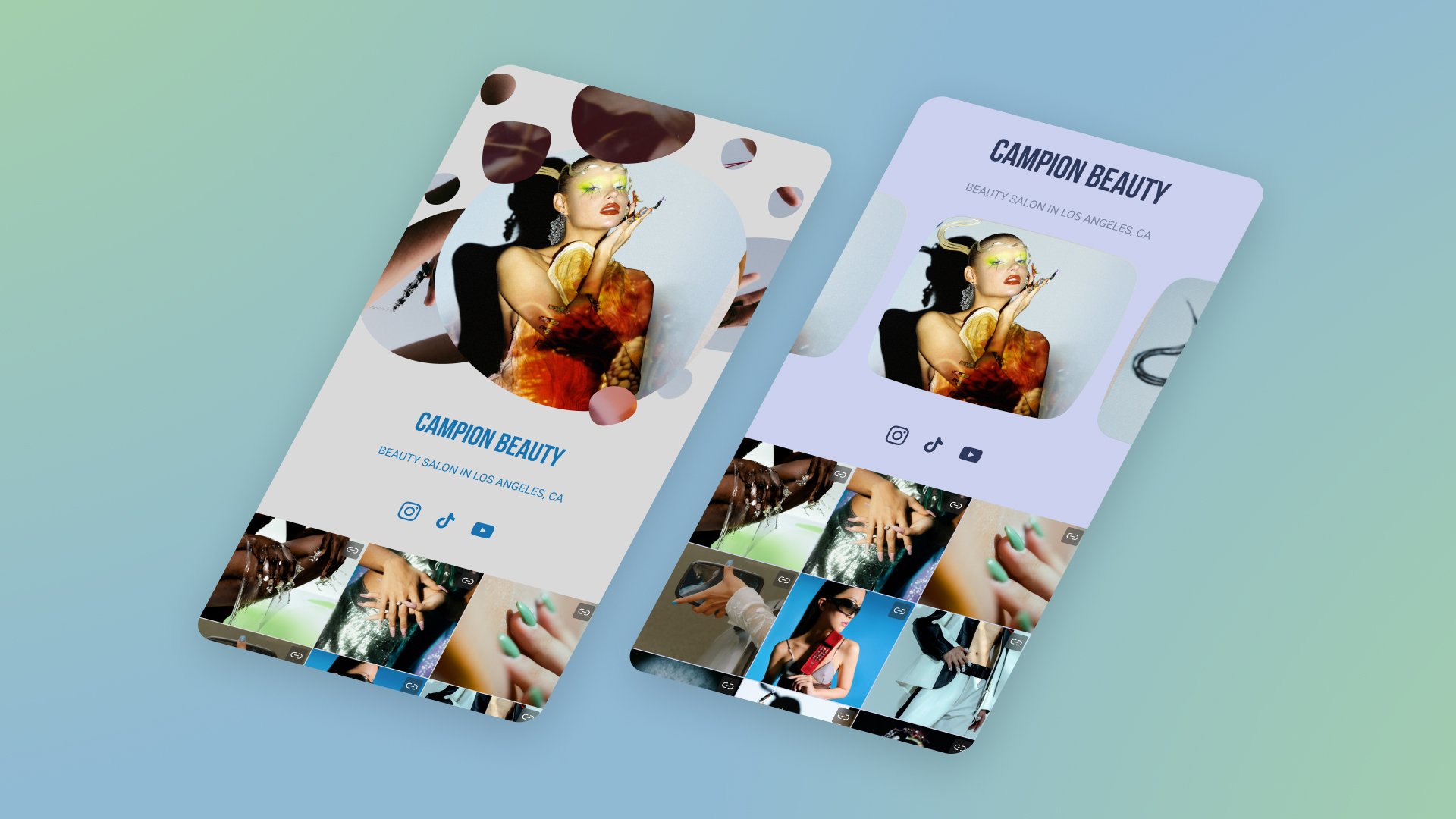
Your first button should always be your most important offer. Whether it’s a new product launch, a newsletter signup, or a recent video, it must be at the top of the list. Secondary links can follow, but the primary call-to-action needs immediate visibility without scrolling.
Generic links hide performance data. Append UTM parameters to each URL to track which specific button drives traffic. This allows you to see if your TikTok audience prefers your YouTube channel or your website store. Without this data, you are guessing which content resonates.
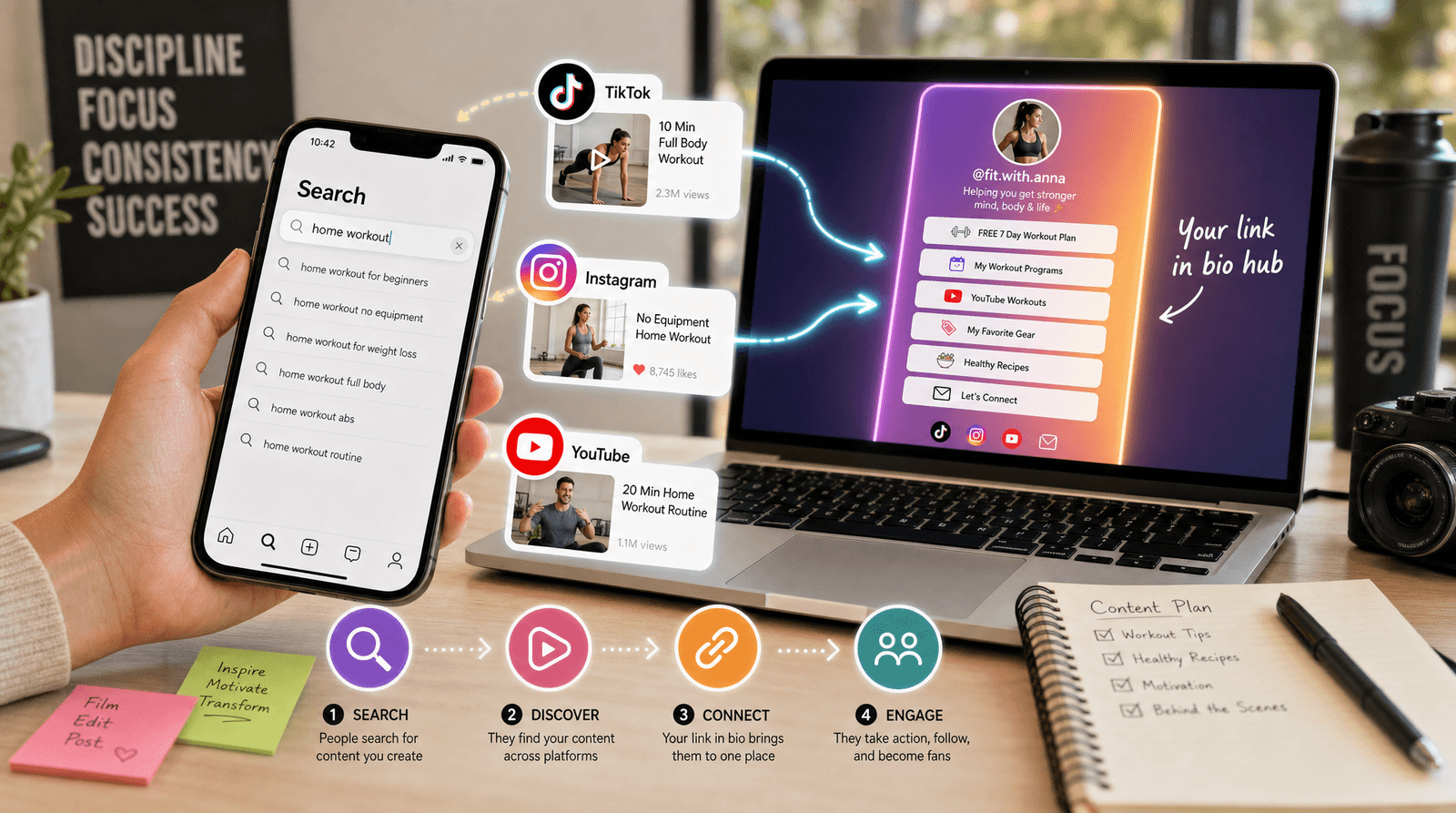
An outdated link kills credibility. Align your bio links with your current social posts. If you just posted about a summer sale, that link must be live and prominent. Rotate your top button weekly to keep the page feeling fresh and relevant to returning visitors.
Over 90% of social traffic is mobile. Open your link on a phone to check load speed, button size, and text readability. If a button is too small to tap easily or the page takes more than two seconds to load, you will lose conversions. Simplify until the path is frictionless.
After implementing these steps, use this checklist to verify your setup.
Fix common mistakes that kill your conversion rate
Even with a robust link-in-bio tool, simple errors can prevent your audience from taking action. These pitfalls often stem from assuming the link works automatically or ignoring how mobile users actually behave. Addressing these issues early ensures your traffic has a clear path to conversion.
Using a dead or untracked link
The most immediate mistake is placing a link that leads nowhere or providing no way to measure its performance. If you are using a generic URL that redirects to your homepage, you are losing all context about what the user wanted. Always use a dedicated landing page or a tracked link-in-bio service that provides click analytics. Without UTM parameters or built-in tracking, you cannot know if your bio content is driving any real engagement or sales.
Overloading the single link slot
Instagram and TikTok offer only one clickable link in your bio. A common error is trying to cram every important call-to-action into that single slot by using a messy, unorganized list. This creates decision fatigue. Instead, curate your link-in-bio page to feature the single most important offer prominently, with secondary links neatly categorized below. If you are promoting a specific campaign, make that the primary focus and hide less relevant links to keep the user journey tight.
Ignoring mobile preview and loading speed
Most users will click your bio link on a mobile device. If your landing page takes more than three seconds to load or requires horizontal scrolling to find the button, you will lose the click. Test your link on a phone before posting. Ensure your call-to-action buttons are large enough to tap easily and that any forms are optimized for mobile keyboards. A slow or clunky mobile experience is the fastest way to bounce a high-intent visitor.
No comments yet. Be the first to share your thoughts!