Define your custom link goal
Before you build a custom link for Instagram and TikTok, you must decide what the link is supposed to do. A custom link isn't just a shorter address; it's a specific destination designed to drive a single conversion action. Whether that action is a sale, a lead capture, or content consumption, your goal dictates the URL structure and the tracking parameters you'll need to set up later.
If your goal is sales, your link should point directly to a product page or checkout flow with minimal friction. For lead generation, it should lead to a landing page with a clear form. If you're driving content views, the link should go to a specific article or video that matches the post's context. Mixing these goals—like sending sales traffic to a generic homepage—dilutes your results and makes tracking impossible.
Use tools like Bitly or official platform analytics to create these links. As noted by Bitly, customizing your URL to match your brand helps you track every click, giving you the data needed to refine your strategy. Without a clear goal, you're just guessing which posts work and which don't.
Choose a reliable link management tool
Picking the right platform is the foundation of your custom link strategy. You need a tool that supports custom domains, provides detailed analytics, and maintains high uptime. A broken link on Instagram or TikTok can cost you followers and sales instantly.
| Tool | Custom Domain | Analytics Depth | Pricing |
|---|---|---|---|
| Bitly | Yes | Deep (clicks, geography) | Free tier available |
| Short.io | Yes | Basic to Advanced | Free tier (1000 links) |
| TinyURL | Branded | Basic | Free tier available |
Bitly remains the industry standard for branded short links. It offers deep click tracking and geographic data, which helps you understand who is engaging with your content. Their free tier allows you to get started without a credit card, though advanced features require a paid plan.
Short.io is a strong alternative for those prioritizing custom domains. It lets you use your own domain name for free, up to 1,000 links. This is ideal if you want a clean, professional look without immediate costs. TinyURL offers a simpler, more basic experience with branded short links, suitable for casual users who don't need deep analytics.

When evaluating these tools, focus on uptime and support. Your link must be available 24/7. Check their service level agreements (SLAs) if you are on a paid plan. Avoid tools that require complex setups or lack clear documentation. Start with a free tier to test the interface and analytics dashboard before committing to a subscription.
As an Amazon Associate, we may earn from qualifying purchases.
Configure the custom domain and alias
To turn a generic URL into a reliable custom link for Instagram and TikTok, you must first claim the domain and then point it to your hosting service. This process ensures that when a user clicks your bio link, the browser recognizes the address as yours, not a third-party redirector.
Verify domain ownership
Before you can configure DNS settings, your link management platform needs proof that you own the domain. Most services offer two ways to do this:
- HTML File Upload: Download a verification file provided by the service and upload it to your website’s root directory.
- DNS TXT Record: Add a specific text record to your domain’s DNS settings, similar to how you would add an SPF record for email.
Follow the specific instructions in your link tool’s dashboard. If the verification fails, double-check that the file is in the root folder or that the TXT record has propagated (which can take up to 48 hours).
Set up the CNAME record
Once verified, you need to direct traffic from your custom domain to the link shortener’s servers. This is done via a CNAME (Canonical Name) record in your DNS provider’s control panel (e.g., GoDaddy, Cloudflare, Namecheap).
- Log in to your DNS provider.
- Locate the DNS management or zone file section.
- Add a new CNAME record:
- Host/Name: Use
@for the root domain (e.g.,link.yoursite.com) orwwwif you prefer that prefix. Some services require a specific subdomain likegoorb—check your link tool’s documentation. - Value/Target: Enter the alias provided by your link shortener (e.g.,
cname.rebrandly.comorlinks.tinyurl.com). - TTL: Leave as default or set to automatic.
- Host/Name: Use
This record tells the internet that requests to your custom domain should be handled by the link shortener’s infrastructure.
Create the final alias
With the domain and DNS configured, you can now build the specific alias that will live in your social media bios. This is the short, memorable path users will type or click.
- Navigate to your link tool’s "Create New Link" or "Custom Alias" section.
- Enter your desired path (e.g.,
mybio,shop, orcontact). - Select your custom domain as the base URL.
- Set the destination URL to the page you want users to see (e.g., your Linktree, Shopify store, or landing page).
- Save the link.
Test the link immediately on both mobile and desktop browsers. If it resolves correctly to your destination, you have successfully configured a custom link for Instagram and TikTok.
Integrate the link into social bios
Your custom link is only useful if people can actually find it. Placing it in your Instagram and TikTok bios requires more than just pasting the URL; it demands strategic positioning and clear instructions to drive clicks.
Set up your Instagram link
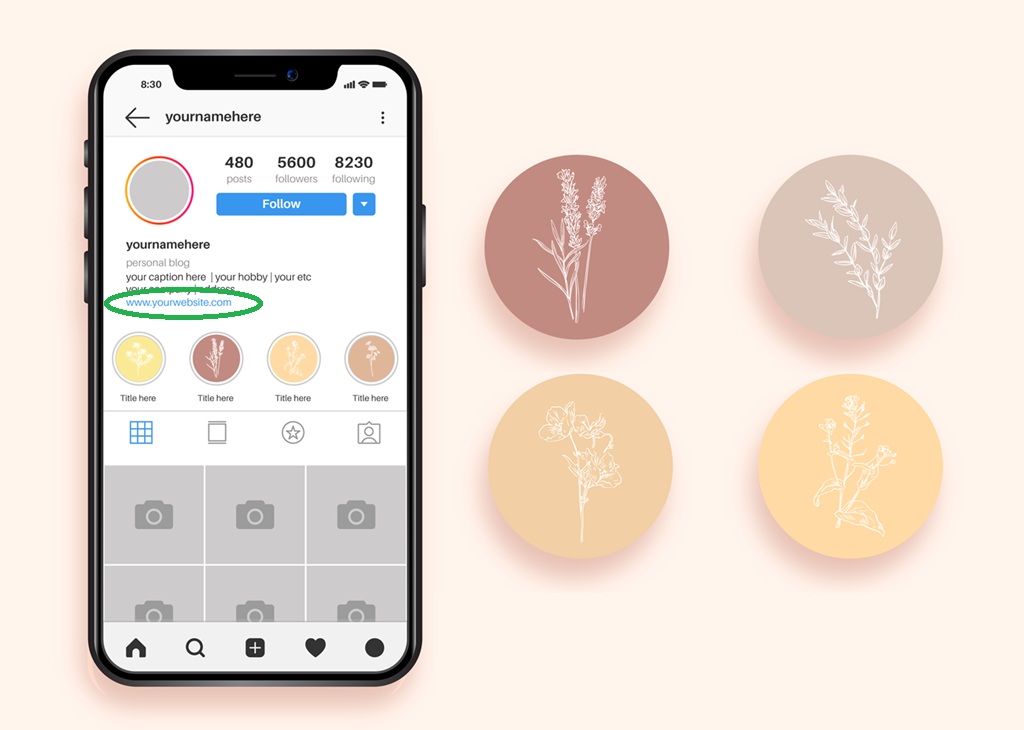
Instagram allows only one clickable link in your bio. This makes it the most valuable real estate on your profile. Navigate to "Edit Profile" and paste your custom link into the "Links" field. Save the changes to make it live.
To maximize visibility, use the "Link in Bio" sticker in your Instagram Stories. This directs followers to your profile where they can click the link. Consistency here trains your audience to look for your bio link first.
Add the link to your TikTok profile
TikTok’s bio link works similarly but often sees lower click-through rates if not emphasized. Go to your profile, tap "Edit Profile," and add the link under "Website." Ensure your profile is set to a Business or Creator account to access this feature.
Since TikTok users move quickly, your bio text must do the heavy lifting. Pair the link with a direct call-to-action. Instead of leaving it blank, write something specific like "Shop the collection at [custom-link]" or "Get the free guide: [custom-link]."
Optimize your call-to-action
A naked URL looks untrustworthy. Always replace the raw link with a branded, short version. This not only looks cleaner but also builds brand recognition. If you are promoting a specific campaign, mention it in your bio text to create urgency.
Verify that the link works on mobile devices before finalizing. Most social traffic comes from phones, so a broken or slow-loading page will kill your conversion rate immediately.

Go to your Instagram or TikTok profile settings and paste your custom URL into the designated link field. Ensure the link is fully qualified with https://.
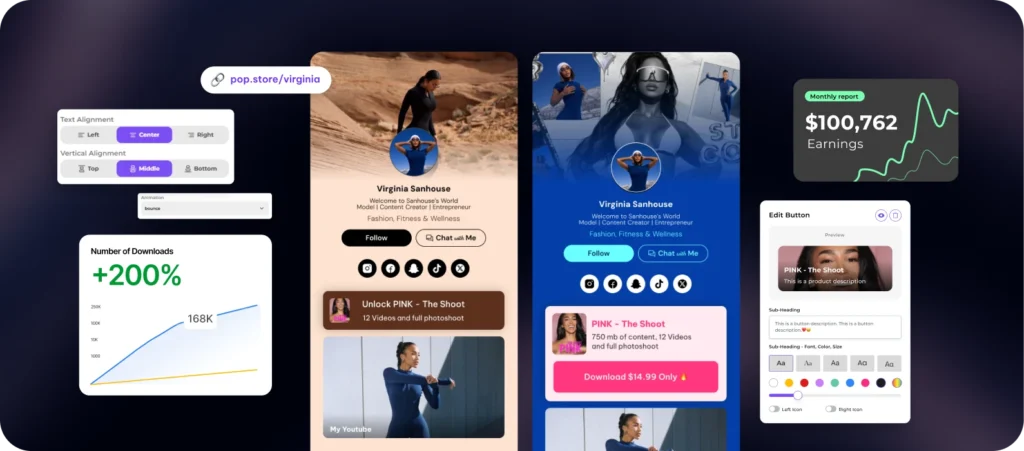
Write a single sentence in your bio that tells users exactly what to do with the link. Use verbs like "Click," "Shop," or "Download" to reduce friction.
Open your profile on a smartphone. Tap the link to confirm it opens quickly and displays correctly on a small screen. Fix any formatting issues immediately.
Checklist
-
Link is pasted in both Instagram and TikTok bios
-
Call-to-action text is clear and urgent
-
Link is tested on a mobile device
-
Branded domain is used instead of a raw URL
Track clicks and optimize performance
Once your custom link is live, the real work begins: measuring how well it drives traffic. Without analytics, you’re guessing whether your Instagram bio or TikTok video is actually converting viewers into customers. Most link management tools provide a dashboard that breaks down clicks by date, device, and location, giving you the data needed to refine your strategy.
Start by reviewing your click-through rates (CTR). A branded custom link can increase click-through rates by up to 32% compared to generic shorteners, according to Bitly, because trust signals in the domain encourage more taps. If you see a drop in clicks, check if the link placement is still prominent or if the content it leads to has changed.
Use this data to adjust your approach. If TikTok drives more traffic than Instagram, consider shifting more promotional effort to that platform. Conversely, if one post significantly outperforms others, analyze what made it successful—was it the hook, the visual, or the call-to-action? Apply those lessons to future posts to maximize the return on your custom link setup.
Common custom link mistakes to avoid
Even a well-designed custom link fails if the underlying infrastructure is flawed. The most frequent technical pitfall is a broken DNS configuration. If your domain’s CNAME record does not point correctly to your shortening service, visitors will see a 404 error before they ever see your content. This breaks trust immediately and kills conversion rates.
Another silent killer is an expired domain. Many creators buy a memorable .com for their brand but let it lapse. When the domain expires, your bio link goes dark across Instagram and TikTok. Always set up auto-renewal and monitor your domain status regularly. A custom link should be permanent, not temporary.
Finally, neglecting UTM parameters strips you of data. Without tracking tags, you cannot distinguish traffic from Instagram versus TikTok in your analytics. This makes it impossible to know which platform drives actual results. Always append UTM codes to your custom link for every campaign to maintain clear visibility into your performance.

No comments yet. Be the first to share your thoughts!