Choose a Link Hub Tool
Your bio link is the single point of contact between your social content and your business. Instead of sending followers to a single, static URL, you need a link hub that aggregates your content, products, and other social profiles into one accessible destination. This setup is the foundation of your Instagram and TikTok optimization strategy.
Selecting the right platform depends on your specific needs. Tools like Lnk.Bio allow you to share multiple social media profiles and important links with just one URL, making them ideal for creators who want to consolidate their digital presence. Others, such as Later Link in Bio, focus on driving sales and traffic with fully customizable landing pages that can boost conversions.
When evaluating options, look for features that match your workflow. Do you need analytics to track click-through rates? Do you want to integrate directly with your e-commerce store? Prioritize tools that offer a clean, mobile-friendly interface, as the vast majority of your traffic will come from mobile devices.

Sign up for a link-in-bio service that supports Instagram and TikTok integration. Ensure it offers the customization and analytics features you need for your specific goals.

Link your Instagram and TikTok accounts to your new hub. This allows you to pull in your latest posts or stories automatically, keeping your content fresh without manual updates.
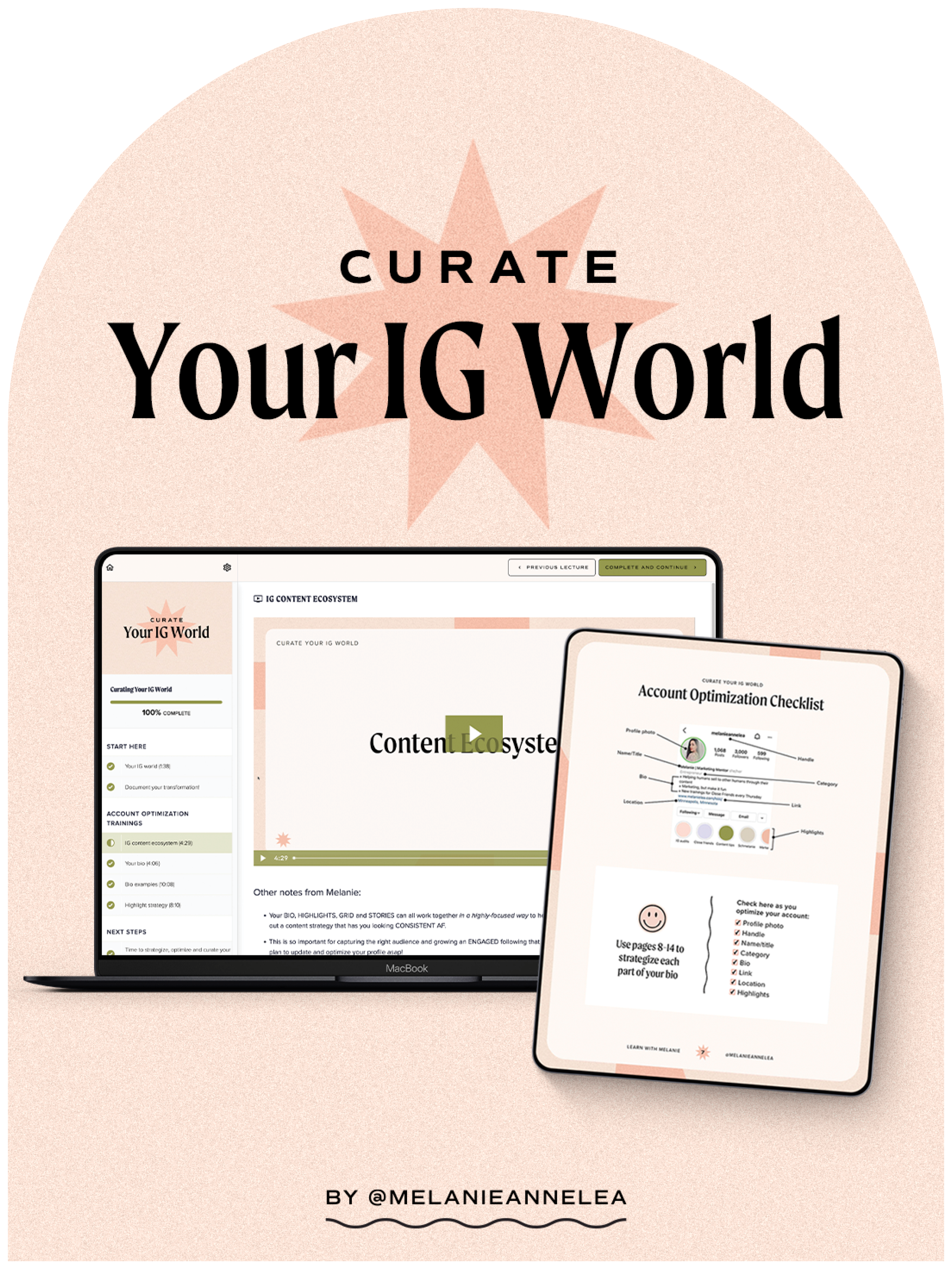
Organize your most important links at the top of the page. Use clear, action-oriented labels so followers know exactly what they will find when they click.

As an Amazon Associate, we may earn from qualifying purchases.
Structure your landing page
Your bio link is the only real estate you own on Instagram and TikTok. If a visitor lands on a cluttered page, they leave. To optimize bio links effectively, you must reduce friction by organizing content logically. Think of your landing page as a store window: the most important items should be front and center, while secondary offerings sit in the back.
Start by identifying your primary goal. Are you driving sales, growing an email list, or promoting a specific video? Whatever the goal, that link must be the first thing users see. Place it at the very top of your link list. This is your "hero" link. It should have a clear, action-oriented title like "Shop the New Collection" or "Watch the Full Tutorial" rather than a vague label like "My Stuff."
Group remaining links into two or three clear categories. If you have too many options, users experience decision paralysis. For example, separate "Resources" from "Social Proof" or "Products." Within each category, order links by relevance. High-performing links should stay at the top. Remove any link that hasn't generated clicks in the last 30 days. A clean, prioritized list keeps users engaged and moving deeper into your funnel.
Place your most important link at the very top. This is where the majority of clicks happen. Use a bold button and a clear call to action that tells the user exactly what they will get by clicking.
Avoid a long, unbroken list. Use headers or visual dividers to group links into categories like "Latest Video," "Free Guide," or "Shop." This helps users scan the page quickly and find what they need without scrolling endlessly.
Review your analytics weekly. If a link hasn't received clicks in a month, remove it or replace it with something current. A cluttered page signals neglect. A curated page signals value. Keep only what serves your current campaign goals.
A well-structured page doesn't just look better; it converts better. By reducing the cognitive load on your visitor, you guide them exactly where you want them to go. Test your layout on mobile first, as that is where 99% of your traffic will come from. If it feels cluttered on a small screen, it needs more whitespace and fewer links.
Write clear calls to action
Generic labels like "click here" or "link" waste the limited attention span of your audience. On Instagram and TikTok, users scroll with intent but move fast. Your bio link section needs to remove friction by telling them exactly what happens next. Think of your button text as a mini-promise: it should answer the question "What do I get if I click?"
Instead of a vague "Read More," try "Get the 2026 SEO Checklist" or "Shop the Summer Drop." Specificity builds trust. When users know the value upfront, they are more likely to convert. This applies to both the button label and the short description text under your link. Use active verbs that imply immediate benefit, such as "Start," "Join," or "Discover."
Consider the context of your social platform. TikTok audiences often respond well to urgency or exclusivity, while Instagram users may prefer clarity and professionalism. Test variations of your call to action to see which resonates with your specific audience. A/B testing button text can significantly increase your click-through rate over time.

Determine the single most important goal for this link. Is it a sale, a newsletter signup, or a blog post? Choose one action and build your call to action around it. Avoid trying to drive multiple different behaviors from a single button.
Replace generic phrases with concrete outcomes. Instead of "Click Here," use "Get Your Free Guide." Ensure the text is short enough to fit on mobile screens without truncation, typically under 30 characters for the main button.
Monitor your click-through rates weekly. If a call to action underperforms, swap it out for a new variation. Keep a log of what works so you can build a library of high-converting phrases for future campaigns.
Track clicks and adjust
You cannot improve what you do not measure. Once your bio link is live, treat it as a living asset rather than a static URL. Regularly reviewing click-through data allows you to identify which content resonates with your audience and which links are being ignored. This process of tracking clicks and adjusting your strategy is the primary way to maximize the ROI of your social media presence.
Start by accessing the native analytics in Instagram Insights or TikTok Analytics, alongside your link-in-bio provider’s dashboard. Look for patterns in peak engagement times and the specific content formats (Reels, TikToks, or static posts) that drive the most traffic. If a particular post generates a spike in clicks, replicate that content style. Conversely, if a high-traffic link sees a drop-off, investigate whether the landing page is slow or the offer is stale.
Open your Instagram or TikTok professional dashboard to view recent post performance. Identify the top three pieces of content that drove the most profile visits. Note the time of day and content type to understand when your audience is most receptive to your link.
Navigate to your link-in-bio provider’s analytics tab. Compare the total clicks against the impressions from your social posts. A high click-through rate (CTR) indicates your link placement and call-to-action are effective, while a low CTR suggests a need for clearer instructions or more compelling incentives.
Change one variable at a time to isolate what works. Try swapping the primary link in your bio, adjusting the call-to-action text in your captions, or changing the order of links on your landing page. Monitor these changes for at least 48 hours before making further adjustments to ensure data accuracy.
Iteration is a continuous loop. Use the insights gained from this tracking to refine your bio link strategy for the next campaign. By consistently aligning your link content with your top-performing social posts, you create a cohesive user journey that converts casual viewers into engaged followers.
Avoid common bio link mistakes
Even a well-designed bio link fails if the user experience is broken. The most frequent error is linking to a page that doesn't load or redirects incorrectly. A single broken link breaks trust and kills conversion rates. Always test your bio link on a mobile device before publishing.
Clutter is the second major pitfall. When your bio link page offers too many choices, users experience decision paralysis and leave without clicking anything. Keep your layout clean and focused on one primary action. If you have multiple goals, prioritize them by importance rather than listing every option.
Finally, ignore platform updates. Instagram and TikTok frequently change how external links are handled or displayed. Failing to adapt your bio link strategy to these changes can render your optimization efforts obsolete. Regularly review your link performance and adjust your layout to match current best practices for Instagram and TikTok bio links.
Optimize bio links FAQ
What is the best tool for Instagram and TikTok bio links?
Use a dedicated link-in-bio tool like Later or Lnk.Bio to host multiple destinations. These platforms provide the customizable landing pages that native social links cannot support, allowing you to drive traffic from both Instagram and TikTok profiles effectively.
How do I optimize my bio link for maximum clicks?
Prioritize your top offers and use clear calls to action. A well-optimized bio link acts as a central hub, increasing engagement by giving followers a comprehensive snapshot of your content and products in one place.
Do I need a different link for Instagram versus TikTok?
You can use the same link for both, but tailor the landing page content to each audience. TikTok users often respond to trending or short-form content links, while Instagram audiences may prefer curated product or blog links.
No comments yet. Be the first to share your thoughts!