

The reality of TikTok bio links
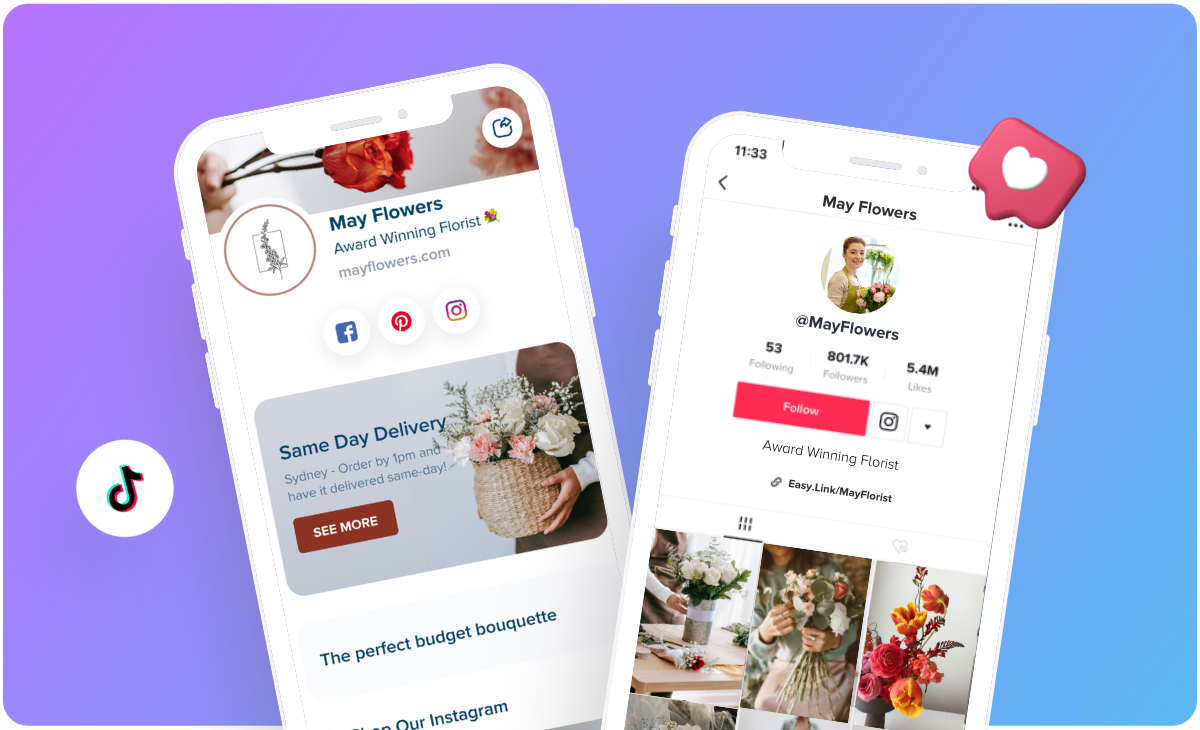
In 2026, your bio link is the only way to move people off TikTok. The platform is built to keep users scrolling, so that single clickable URL is your only bridge to a shop or newsletter. You only get one clickable link in your bio, which creates a bottleneck and a huge opportunity for strategic link management. This isn’t just about driving traffic; it’s about converting viewers into customers, subscribers, or engaged followers on other platforms.
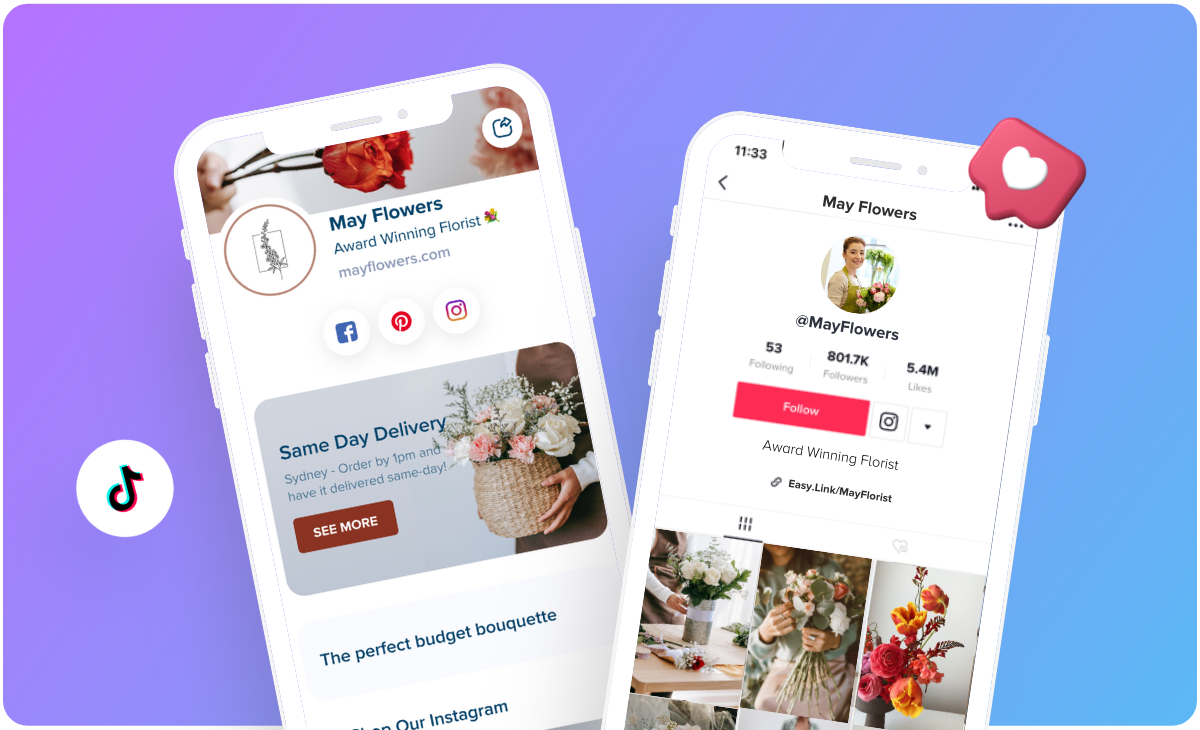
This limitation is why “link-in-bio” tools have exploded in popularity. They offer a single landing page that houses multiple links, effectively turning that one precious URL into a mini-website. But it's more complex than it used to be. TikTok's algorithm isn't solely rewarding accounts with the biggest follower counts; it’s increasingly prioritizing engagement and relevance. This means simply having a link isn’t enough – you need to ensure it’s leading people to content they genuinely want.
The space is moving quickly, too. TikTok regularly tests changes to its algorithm and user interface, so what works brilliantly today could be less effective next month. Staying informed about best practices and being willing to adapt your strategy is essential. I've seen creators lose significant traffic when TikTok made changes to how links were displayed, and it highlights the need for constant monitoring and adjustment.
How TikTok handles outbound clicks
When a user clicks the link in your TikTok bio, it generally opens in TikTok’s in-app browser. This is important because TikTok does have some level of tracking associated with these clicks, although the specifics aren’t publicly available. Creators often report inconsistencies in the data they see, and it’s unclear exactly what metrics TikTok surfaces to account holders. As of early 2026, there’s no robust, built-in analytics for bio link clicks within the TikTok app itself.
Link shorteners like Bitly make a profile look cleaner, but they often hide where your traffic is actually coming from. There is also a risk that TikTok flags these redirects as spam. I prefer using direct URLs or dedicated landing pages to stay safe.
I've noticed that TikTok favors links leading to high-quality pages. If you send people to a broken site or something unrelated to your video, your reach usually drops. The app behaves differently depending on your region, so your results might vary.
Choosing a link tool
The market for link-in-bio tools is crowded, but they generally fall into three categories. First, you have free options like Linktree’s basic plan. These are a good starting point for beginners, but they typically come with limited customization options and minimal analytics. Then there are paid options with basic features, like Beacons or Shorby, which offer more design control and some basic link tracking. These usually run around $5 to $20 per month.
For creators who are serious about data and maximizing their link-in-bio’s performance, premium tools are the way to go. These often include advanced analytics, A/B testing capabilities, email integration, and the ability to create fully customized landing pages. Some popular choices include Taplink and Lnk.Bio, with pricing varying from $25 to $100+ per month depending on the features you need. The key features to look for are detailed click analytics, the ability to add custom branding, and integrations with your other marketing tools.
Don’t dismiss the option of building a custom landing page on your own website. This gives you complete control over the design and functionality, but it requires more technical expertise and ongoing maintenance. Services like Carrd are popular for creating simple, one-page websites quickly and affordably. Ultimately, the best tool depends on your budget, technical skills, and specific needs. It’s not about finding the "best" tool, but the one that best fits your workflow.
- Linktree is the standard free option, though it lacks deep customization.
- Beacons: Paid option with more design control.
- Shorby: Paid option focused on simplicity and analytics.
- Taplink: Premium tool with advanced features.
- Lnk.Bio: Premium tool for affiliate marketers.
TikTok Link-in-Bio Tool Comparison - 2026
| Tool Name | Price | Customization | Analytics | Integrations |
|---|---|---|---|---|
| Linktree | Free/Paid Options | Medium | Basic/Detailed | Limited |
| Beacons | Free/Paid Options | High | Detailed | Limited |
| Shorby | Paid Options | Medium | Detailed | Extensive |
| Custom Landing Page | Variable - Hosting & Development Costs | Highest | Extensive - via Analytics Tools | Extensive - Full Control |
Qualitative comparison based on the article research brief. Confirm current product details in the official docs before making implementation choices.
Making your links convert
Your link-in-bio isn't just a list of links; it’s a curated experience. Each link should have a clear and compelling call to action (CTA). Instead of just saying “My Website,” try “Shop My Latest Collection” or “Download My Free Guide.” Use strong verbs and focus on the benefit to the user. Visuals are also crucial. Use eye-catching thumbnails or icons to make your links stand out and communicate their purpose at a glance.
I’ve found that rotating your links regularly keeps things fresh and encourages repeat visits. Don’t let your link-in-bio become stale. Prioritize your most important link based on your current marketing goals – a new product launch, an upcoming event, or a time-sensitive promotion. However, don’t be afraid to experiment with different link placements and descriptions to see what resonates best with your audience.
For serious tracking, UTM parameters are your friend. These are tags you add to your links that allow you to track their performance in Google Analytics (or other analytics platforms). It’s a little technical, but it's invaluable for understanding which links are driving the most traffic and conversions. You can generate UTM parameters using tools like Google’s Campaign URL Builder. This helps you understand where your traffic is coming from.
- Step 1: Choose a link-in-bio tool.
- Step 2: Add your links with clear CTAs.
- Step 3: Use compelling visuals.
- Step 4: Rotate your links regularly.
- Track every click with UTM parameters to see what actually sells.
Dynamic links and email capture
Dynamic links take your link-in-bio to the next level. These links change based on the viewer’s location, demographics, or other factors. Some link-in-bio tools offer this functionality natively, or you can use third-party services to create dynamic links. Integrating your link-in-bio with your email marketing platform is another powerful tactic. Offer a lead magnet (like a free ebook or discount code) in exchange for email sign-ups.
QR codes are a surprisingly effective way to drive traffic to your link-in-bio from offline sources. Include a QR code on your business cards, flyers, or even your product packaging. This allows people to easily access your online content with a quick scan. Using affiliate links is also an option, but always disclose your affiliate relationships clearly and transparently. I’m not a lawyer, so
The potential for personalization is growing. As TikTok continues to develop its advertising and analytics capabilities, we may see more sophisticated ways to target links to specific audiences. Keep an eye on these developments and be prepared to adapt your strategy accordingly. The key is to always be testing and experimenting to see what works best for your audience.
Mistakes that kill traffic
Don't use misleading links. This is a quick way to lose trust with your audience and potentially get your account flagged by TikTok. Always be transparent about where your links are leading. Don't overload your link-in-bio with too many options. Keep it focused and easy to navigate. A cluttered link-in-bio is a frustrating experience for users.
Don't forget to update your links regularly. Outdated links are a wasted opportunity. Keep your link-in-bio fresh and relevant. And, importantly, don't ignore your analytics. Pay attention to which links are performing well and which ones aren’t. Use this data to inform your strategy. Finally, never violate TikTok’s community guidelines. This should go without saying, but it’s worth repeating.
I've seen accounts get banned for promoting illegal or harmful content through their link-in-bio. It’s simply not worth the risk. Building a loyal audience on TikTok takes time and effort, and you don’t want to jeopardize that by engaging in shady link practices.
- Don't use misleading links.
- Don't overload your link-in-bio.
- Don't forget to update your links.
- Don't ignore your analytics.
- Don't violate TikTok's guidelines.
Essential Gear for TikTok Creators: Elevate Your Content and Link Management

18-inch diameter for broad illumination · Adjustable color temperature (2900K-7000K) · App control for remote adjustments
This ring light provides professional-quality lighting essential for creating visually appealing TikTok content, ensuring creators look their best on camera.

3-axis stabilization for smooth footage · Built-in extension rod · ShotGuides for creative suggestions
Stabilized footage is crucial for professional-looking TikToks, and this gimbal ensures your videos are steady and engaging, enhancing overall viewer experience.

High-quality wireless audio transmission · Compact and lightweight design · Reliable wireless connection
Clear audio is as important as good visuals on TikTok; this wireless microphone system ensures your message is delivered with professional clarity.

Fully adjustable color temperature and brightness · Professional-grade lighting · Includes sturdy tripod mount
This professional ring light provides superior lighting control, enabling creators to achieve studio-quality visuals that capture attention on TikTok.

RGB color options and 10 lighting effects · App control for easy adjustments · Adjustable color temperature (2500-8500K)
The ability to add creative lighting effects and precise color control with this RGB video light allows creators to make their TikTok content stand out visually.
As an Amazon Associate I earn from qualifying purchases. Prices may vary.
No comments yet. Be the first to share your thoughts!