

TikTok's bio link evolution
For years, TikTok users have been limited to a single link in their bio. This created a constant challenge – what one link do you prioritize? Do you send people to your website, a specific product page, a recent YouTube video, or a link-in-bio tool? It was a frustrating bottleneck for creators and businesses alike. That’s about to change.
TikTok has officially announced a multi-link feature planned for rollout in early 2026. This isn’t speculation; it’s a confirmed update communicated through TikTok’s support channels and previewed in various developer briefings. The change signifies a major shift in how users can direct traffic from their TikTok profiles.
TikTok is finally catching up to Instagram and BeReal. Users have asked for this for years to help with sales and traffic. By adding more links, the app becomes a more viable home for businesses that previously relied on third-party workarounds.
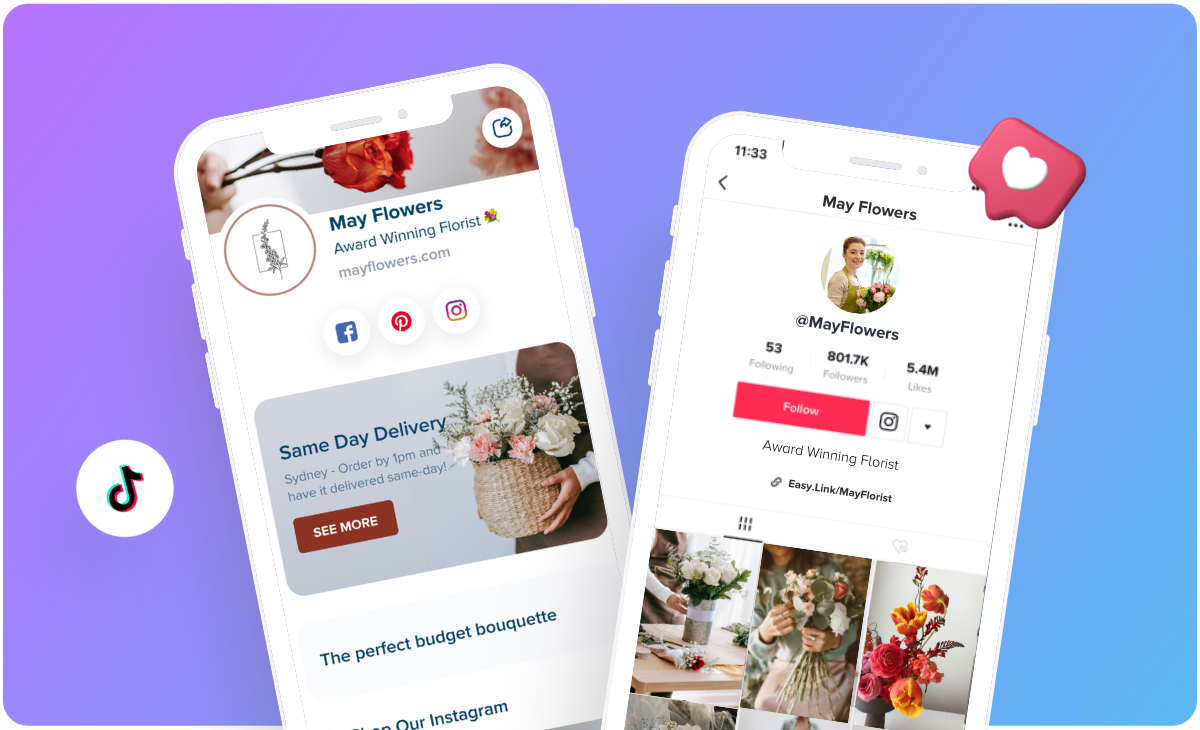
New link capacity
Details regarding the exact number of links TikTok will allow are still somewhat limited. Official statements currently refer to a "limited number’ of links, which isn"t particularly helpful. However, based on what competitors offer, and the general direction of social media platforms, we can make some informed guesses.
I’d estimate that TikTok will initially allow between 5 and 7 links. Instagram, for example, allows up to 5 external links through its Link sticker, and similar limits are common among other platforms. Providing more than this could clutter the user experience, while fewer links wouldn’t address the core problem the feature is trying to solve.
The update will support standard URLs and existing link-in-bio tools. There are rumors about internal mini-landing pages, though TikTok hasn't confirmed that yet. We'll know the full scope once the 2026 rollout begins.
- Direct URLs
- Link-in-bio tools
- Potentially, mini-landing pages
Designing link icons
With multiple links vying for attention, visual clarity is absolutely essential. Gone are the days of simply slapping a URL into your bio. Now, you’ll need to create visually appealing and informative link icons. Think of these icons as mini-advertisements for each destination.
Use clear, recognizable imagery and concise text. Avoid overly complex designs that are difficult to understand at a glance. Each icon should immediately communicate where the link will take the user. For example, if a link leads to your latest blog post, include a thumbnail image of the post and a short title. Consider using consistent branding across all your icons to maintain a cohesive aesthetic.
High contrast between text and background colors helps everyone read your links. If TikTok allows alt text for these icons, use it. A messy icon just confuses people and kills your click-through rate.
Placement and priority
Simply adding links isn’t enough. You need to think strategically about where to place them within the multi-link interface and how to prioritize them. While TikTok hasn’t explicitly detailed customization options, it’s reasonable to expect some degree of control over link order.
Prioritize links based on your current campaigns, trending content, or key business goals. If you’re running a promotion, place the corresponding link prominently. If you’ve just released a new video, make sure that link is easily accessible. Regularly review and adjust your link order based on performance data.
A/B testing different link arrangements can significantly improve your results. This is where a link-in-bio tool really shines. They often have built-in A/B testing features that allow you to compare the performance of different link layouts and identify what resonates best with your audience. Don't just guess – test and optimize.
Tracking and analytics
Measuring the success of your multi-link strategy is critical. You need to know which links are performing well and which ones need improvement. TikTok is likely to provide some basic analytics, such as click-through rates and link-specific data. However, the depth of these analytics may be limited.
For more detailed insights, you’ll likely need to rely on third-party tools and UTM parameters. UTM parameters are tags you add to your URLs that allow you to track traffic in Google Analytics or other analytics platforms. This will give you a much clearer picture of how your TikTok links are driving traffic and conversions.
I anticipate TikTok will offer data on total clicks per link, and potentially some demographic information about users who click on those links. However, deeper conversion tracking – such as tracking purchases or sign-ups – will likely require integration with external analytics tools. Prepare to invest in these tools if you want a comprehensive understanding of your TikTok performance.
Consider using bit.ly or similar services to shorten and track your links. These services provide detailed click statistics and can help you identify which links are most popular.
Third-party tools vs. native links
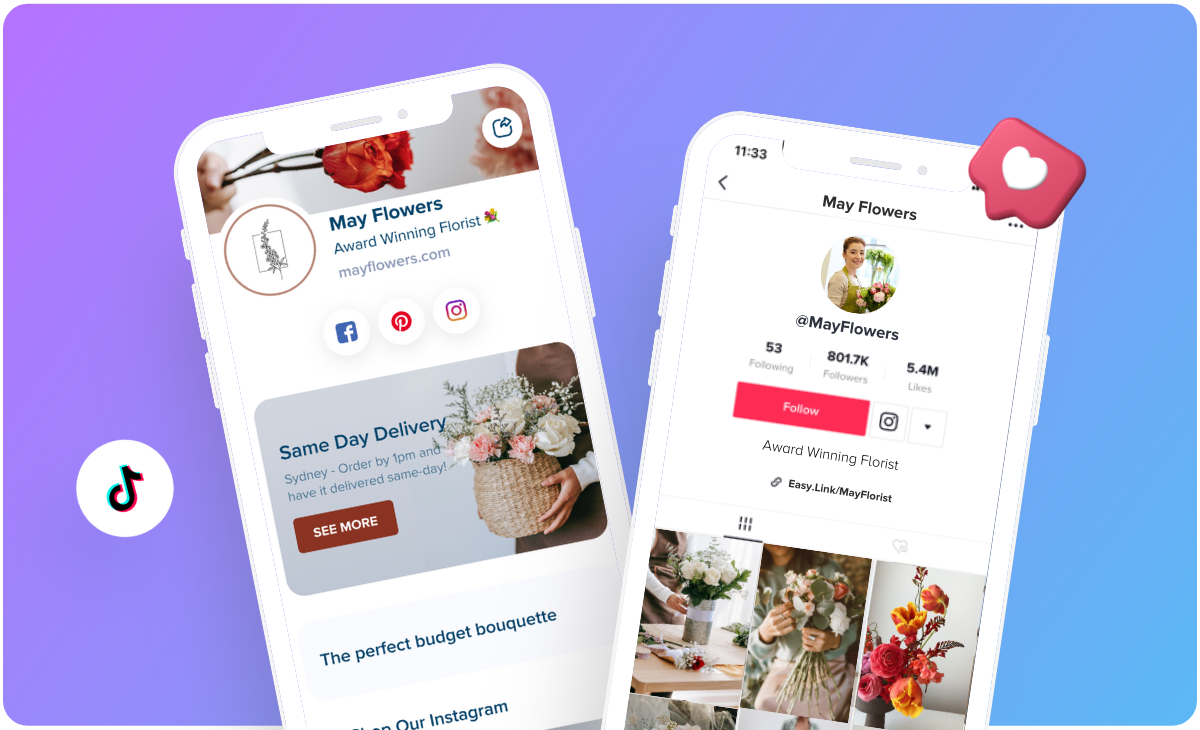
Now, let’s compare TikTok’s native multi-link feature with dedicated link-in-bio tools like Your Custom Link. The native links are free and convenient, offering a simple way to add multiple links to your bio. However, they may lack the advanced features and customization options offered by third-party tools.
Link-in-bio tools provide a range of benefits. A/B testing capabilities allow you to optimize your link placements for maximum clicks. Detailed analytics give you a deeper understanding of your audience and their behavior. Custom branding options let you create a cohesive look and feel that aligns with your overall brand identity. Plus, you can build entire mini-websites with advanced features.
The choice ultimately depends on your needs and budget. If you’re a casual TikTok user, the native links may be sufficient. However, if you’re a serious creator or business, a link-in-bio tool is a worthwhile investment. It’s about maximizing your impact and driving more traffic to your most important destinations. It’s not just about convenience; it’s about results.
Let's be clear: we're advocates for Your Custom Link, but this isn't a one-size-fits-all situation. Evaluate your specific requirements before making a decision. Free isn't always best if it limits your potential.
TikTok Native Links vs. Link-in-Bio Tools: A Feature Comparison
| Feature | TikTok Native Links | Link-in-Bio Tools |
|---|---|---|
| Cost | Generally Free | Often Subscription-Based |
| Customization | Limited to basic profile settings | Greater design flexibility and branding options |
| Analytics | Basic link click data | More detailed insights into link performance and visitor behavior |
| A/B Testing | Not Available | Typically offers A/B testing capabilities for links |
| Mini-Website Capabilities | None | Allows creation of a simplified, mobile-optimized landing page |
| Ease of Use | Very Simple - directly within TikTok | May require account setup and learning a new platform |
| Link Quantity | Limited to one direct link | Supports multiple links for diverse destinations |
Qualitative comparison based on the article research brief. Confirm current product details in the official docs before making implementation choices.
No comments yet. Be the first to share your thoughts!