

Bio Links in 2026: Beyond the Link-in-Bio
The bio link is no longer just a placeholder. It is a mini-landing page. We use it to bridge the gap between social content and external sites without losing the audience's attention.
Instagram, TikTok, and Threads all handle bio links differently, and these differences are becoming more pronounced. Instagram still limits you to one clickable link in your bio, while TikTok offers more flexibility, and Threads… well, Threads is still catching up. A cross-platform strategy is no longer optional; it’s essential for maximizing reach and impact.
The 'set it and forget it' approach simply doesn’t work anymore. What resonates on TikTok won’t necessarily work on Instagram, and driving traffic from Threads requires a completely different mindset. Successful bio link strategies in 2026 will be dynamic, data-driven, and tailored to each platform’s unique ecosystem. Ignoring this will result in missed opportunities and wasted potential.
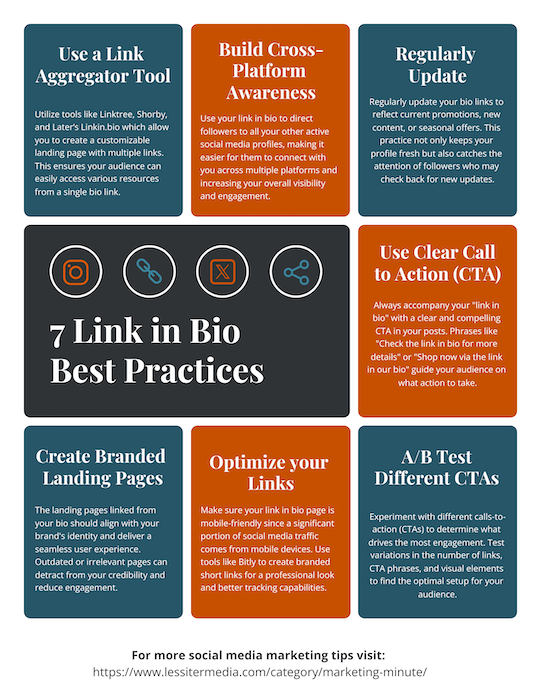
Making the most of Instagram's single link
Despite the emergence of new platforms, Instagram remains a central hub for many brands and creators. The challenge? That single, solitary link in your bio. This limitation forces you to be incredibly strategic about where you send people.
Link stickers in Instagram Stories offer a workaround, allowing you to direct users to specific content or offers. However, these stickers are temporary, and they don’t replace the importance of a well-optimized bio link. Think of your bio link as your permanent digital address, and Stories stickers as temporary directional signs.
I use Bitly or custom domains because long URLs look messy. These tools show click counts and geographic data, which helps me decide when to post new links.
A clear call to action (CTA) is paramount. Don’t just say “Link in bio.” Tell people why they should click it. “Shop our new collection,” “Read the full blog post,” or “Sign up for our newsletter” are all far more effective. Test different CTAs to see what resonates best with your audience. I've found that offering something of value – a discount code, a free resource – significantly increases click-through rates.
I’m not sure if Instagram will ever allow multiple native links in the bio. The platform seems to value simplicity and control over the user experience. For now, we need to focus on maximizing the potential of the single link we have, and leveraging Stories stickers and other features to supplement it.
- Use a link shortener to see which posts actually drive clicks.
- Write a specific call to action like 'Get the discount' instead of 'Link in bio'.
- Regularly update the link: Keep it relevant to your current promotions.
- Leverage Stories stickers: Drive traffic to specific content.
- Analyze your data: Identify what’s working and what’s not.
TikTok's new ways to drive traffic
TikTok has been steadily expanding its link capabilities, offering creators more ways to drive traffic off-platform. The standard bio link remains important, but the ability to add links directly to videos – for accounts meeting certain criteria – is a game-changer.
Currently, to add a clickable link to your videos, you generally need 10,000 followers, or be a verified creator. This restriction is intended to limit spam and maintain the platform’s focus on organic content. But for those who qualify, it opens up a world of possibilities.
TikTok Shop integration is another significant development. If you sell products, you can now link directly to your shop from your videos and bio, streamlining the purchasing process. This is particularly effective for product demonstrations and tutorials.
TikTok wants people to stay on the app. If you push links too hard, the algorithm might ignore you. I've found that a quick mention at the end of a video works better than a constant sales pitch.
Consider using a dedicated landing page for TikTok traffic. This allows you to track conversions specifically from TikTok and tailor the experience to that audience. For example, you might offer a TikTok-exclusive discount code.
The way TikTok handles links is constantly evolving. In May 2021, Tapkit.com highlighted the importance of visibility in optimizing your bio link, noting that the link should be clear and easy to find. This remains true today. The platform is clearly pushing for more direct commerce integration, so expect to see further developments in this area.
- Bio Link: Standard practice for directing traffic.
- In-Video Links: Available to accounts with 10,000+ followers or verified status.
- TikTok Shop Integration: Direct links to your shop for seamless purchasing.
- Dedicated Landing Pages: Track TikTok traffic and tailor the experience.
TikTok Link Placement
| Account Size | Content Type | Goal | Recommended Link Strategy |
|---|---|---|---|
| Small Creator (Under 10k Followers) | Personal/Vlogging | Community Building | Link to a landing page with multiple relevant social profiles and a simple email signup form. |
| Small Creator (Under 10k Followers) | Educational/Tutorials | Lead Generation | Link to a free resource (e.g., checklist, guide) in exchange for email address. |
| Medium Creator (10k - 100k Followers) | Promotional (Affiliate) | Sales/Affiliate Revenue | Utilize a link-in-bio tool to showcase multiple affiliate links, categorized for easy navigation. |
| Medium Creator (10k - 100k Followers) | Entertainment/Comedy | Traffic to Other Platforms | Link to a YouTube channel or other primary content hub. |
| Large Brand (100k+ Followers) | Brand Awareness/Marketing Campaigns | Campaign Specific Traffic | Dynamic link-in-bio that changes with current marketing campaigns, directing users to relevant landing pages. |
| Large Brand (100k+ Followers) | Product Focused | Direct Sales | Link to a dedicated shop or product page, potentially utilizing seasonal promotions. |
| All Sizes | Mix of Content | Multiple Goals | Employ a link-in-bio tool offering analytics to track link performance and refine strategy based on user engagement. |
Illustrative comparison based on the article research brief. Verify current pricing, limits, and product details in the official docs before relying on it.
The struggle with Threads links
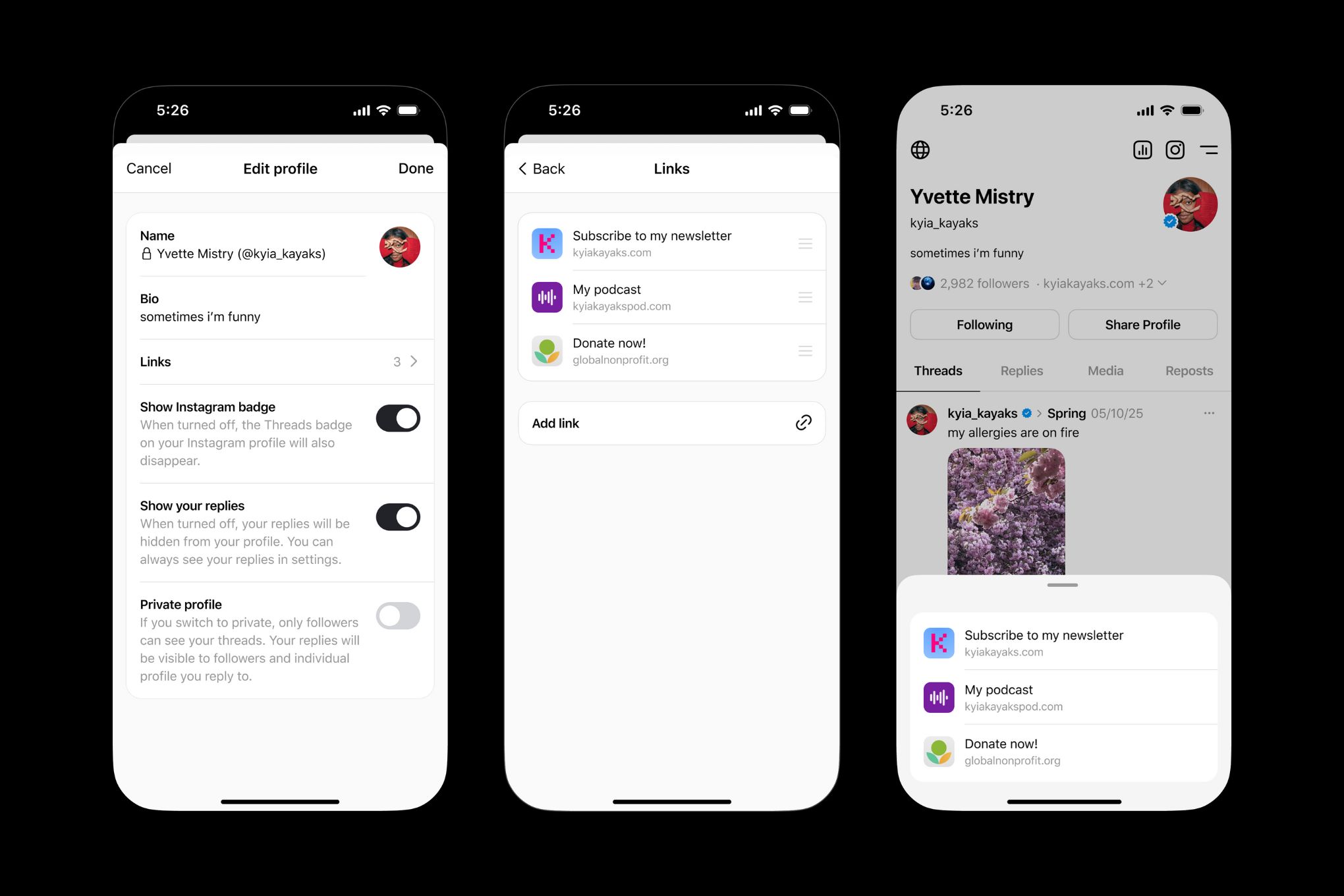
Threads currently presents a unique challenge when it comes to bio links. Unlike Instagram and TikTok, Threads has limited linking capabilities. As of late 2023/early 2024, you're largely restricted to including a link in your bio – and that's about it.
This limitation forces you to be creative. One strategy is to use your Threads bio to drive traffic to your Instagram profile, where you have more linking options. Alternatively, you can direct users to a dedicated landing page that aggregates links to all your social media profiles.
Given Meta’s track record, it’s likely that Threads will eventually introduce more robust linking features. We’ve already seen the platform evolve rapidly since its launch. It’s reasonable to expect that links in posts or Stories-like features will be added in the future.
For now, the key is adaptation and future-proofing. Focus on building a strong presence on Threads, and be prepared to quickly capitalize on any new linking features that are introduced. It’s still early days for Threads, and the landscape could change dramatically in the coming months.
- Direct to Instagram: Leverage your Instagram bio link.
- Dedicated Landing Page: Aggregate links to all your profiles.
- Monitor Updates: Be ready to adapt to new features.
- Focus on Engagement: Build a strong presence on the platform.
Tools for Cross-Platform Management
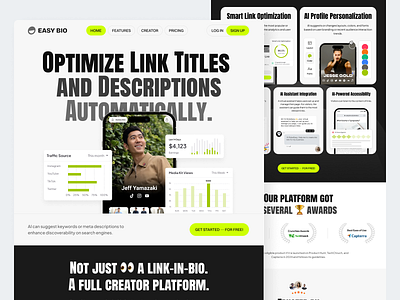
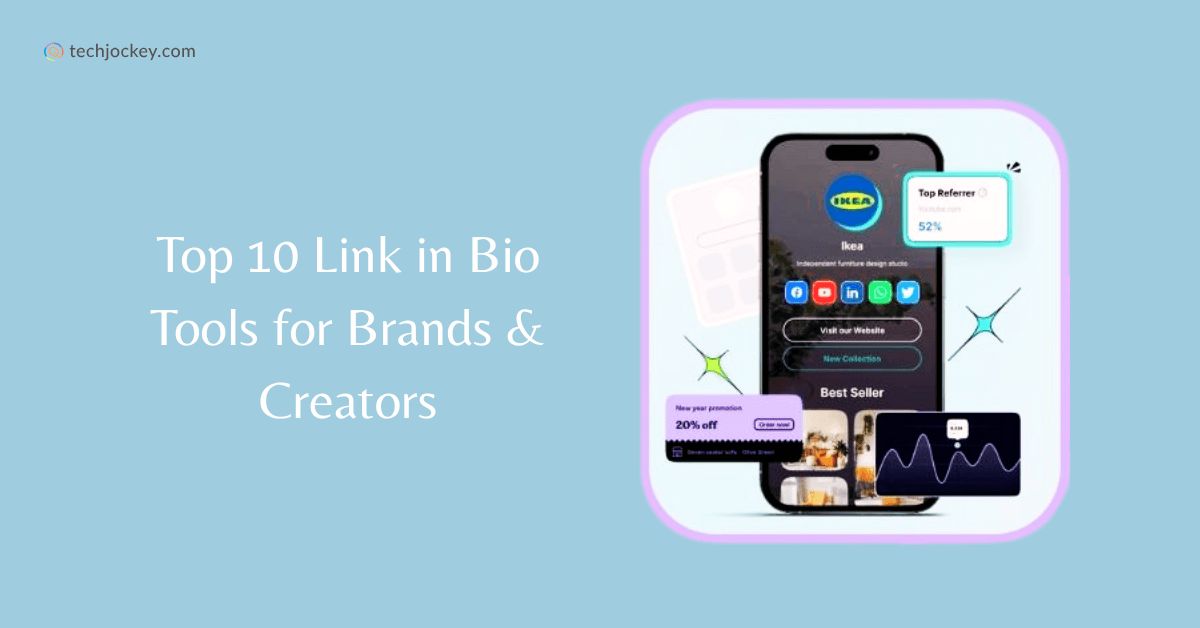
Managing bio links across multiple platforms can be time-consuming. Fortunately, a variety of tools are available to streamline the process. Your Custom Link, Linktree, Taplink, and Shorby are all popular options, each with its own strengths and weaknesses.
Linktree is perhaps the most well-known, offering a simple and intuitive interface. However, its free plan is limited, and its branding can be intrusive. Taplink focuses more on creating mini-websites, offering more customization options but potentially requiring more design effort.
Your Custom Link positions itself as a more versatile solution, with features like advanced analytics, custom domains, and integrations with popular marketing tools. It aims to be more than just a link aggregator; it’s a full-fledged landing page builder. The Liinks blog emphasizes the value of your link in bio as a key piece of real estate, and tools like Your Custom Link help you maximize that value.
When choosing a tool, consider your specific needs and budget. Do you need advanced analytics? Do you want a custom domain? Do you require integrations with other marketing tools? Some tools offer tiered pricing plans, with more features available at higher price points.
For advanced users, building a custom solution might be an option. This gives you complete control over the design and functionality, but it requires technical expertise and ongoing maintenance. This is best suited for businesses with complex requirements or specific branding guidelines.
Analytics: Measuring Bio Link Performance
Tracking bio link clicks, conversions, and other key metrics is essential for optimizing your strategy. It’s easy to fall into the trap of simply setting up your links and forgetting about them, but that’s a missed opportunity.
Most bio link tools provide basic analytics, such as the number of clicks each link receives. However, for more in-depth insights, you’ll need to use UTM parameters. UTM parameters are tags you add to your URLs that allow you to track traffic in Google Analytics or other analytics platforms.
For example, you could add a UTM parameter to track traffic from a specific TikTok video. This would allow you to see how many people clicked your link after watching that video, and whether they converted into customers. This level of granularity is crucial for understanding what’s working and what’s not.
Beyond clicks and conversions, consider tracking other metrics, such as bounce rate, time on site, and pages per session. These metrics can provide valuable insights into user behavior and help you optimize your landing pages for better results. I've found that a low bounce rate and high time on site are strong indicators of a successful bio link strategy.
Regularly review your analytics data and make adjustments to your strategy accordingly. Experiment with different CTAs, link placements, and landing page designs to see what drives the best results. Don’t be afraid to try new things and iterate based on your findings.
Advanced Strategies: Beyond Basic Linking
Once you’ve mastered the basics of bio link management, you can start exploring more advanced techniques. Using bio links for lead generation is a powerful strategy. Offer a free ebook, webinar, or other valuable resource in exchange for an email address. This allows you to build your email list and nurture leads.
Affiliate marketing is another option. Promote products or services from other companies and earn a commission on each sale. Be sure to disclose your affiliate relationships clearly to maintain transparency and build trust with your audience.
A/B testing can help you optimize your bio link strategy. Create two different versions of your bio link page and track which one performs better. Experiment with different headlines, CTAs, and images to see what resonates most with your audience.
Dynamic content and personalized experiences can take your bio link strategy to the next level. Use data about your audience to show them content that’s relevant to their interests. For example, you could show different offers to different segments of your audience.
Consider integrating your bio link strategy with other marketing channels, such as email marketing and paid advertising. This will help you create a more cohesive and effective marketing campaign. The key is to think outside the box and find creative ways to leverage your bio link to achieve your goals.
What is your biggest challenge when managing bio links across multiple platforms like Instagram, TikTok, and Threads?
As cross-platform strategies become more important in 2026, we want to hear from you. Understanding your top bio link challenge helps us create better guides and solutions tailored to your needs. Vote below and share your experience in the comments!

No comments yet. Be the first to share your thoughts!