

Choose the right link tool
A reliable Custom Link infrastructure keeps your Instagram and TikTok traffic moving smoothly. The right tool gives you a branded domain, tracks who clicks, and stays active even if a platform changes its rules. Pick a service that supports custom domains and analytics from day one.
Compare link tools
| Tool | Branded Domain | Free Tier Limits | Analytics Depth |
|---|---|---|---|
| Bitly | Yes | 100 clicks/mo | Basic |
| TinyURL | Yes | Unlimited clicks | Basic |
| Short.io | Yes | 1,000 links/mo | Advanced |
What to look for
- Branded domains: Use your own domain (e.g.,
go.yourbrand.com) instead of a default shortener suffix. This builds trust and keeps your Custom Link consistent across platforms. - Analytics: Track clicks, locations, and devices. Bitly and Short.io offer dashboards that help you see which TikTok videos drive the most traffic.
- Reliability: Choose a tool that doesn't expire your links. TinyURL offers unlimited clicks on the free tier, making it a stable choice for long-term campaigns.

Quick recommendation
For most creators, Short.io provides the best balance of free features and advanced analytics. If you need unlimited clicks without a monthly cap, TinyURL is a solid backup. Avoid free, unbranded shorteners that may expire or look suspicious to followers.

As an Amazon Associate, we may earn from qualifying purchases.
Configure your custom domain
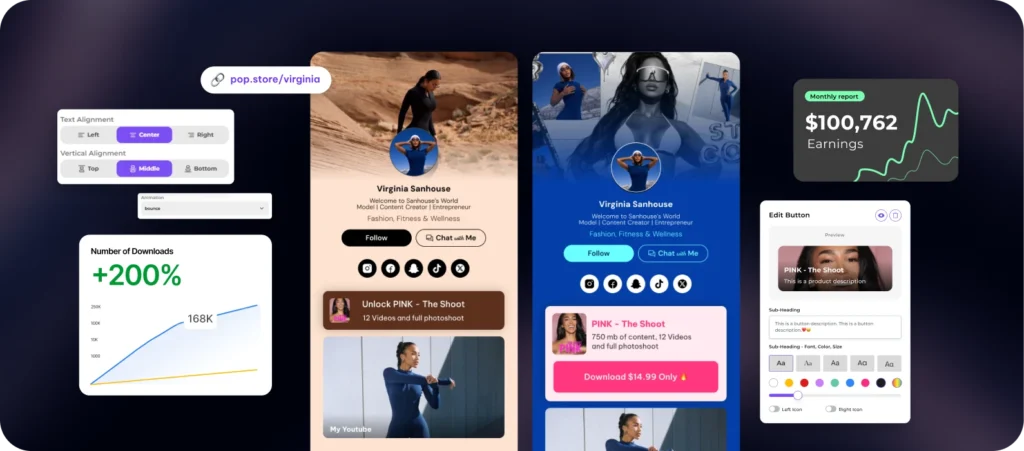
A custom link transforms a generic URL into a branded asset that builds trust with your audience. When followers see your own domain in the bio link rather than a third-party service name, it signals professionalism and legitimacy. This is especially important for finance and market-related content where credibility is paramount.
To set this up, you will need to connect your domain to your link-in-bio tool (such as Short.io or Canva) via DNS records. This process verifies ownership and allows the tool to route traffic through your domain.
If you do not already own a domain, purchase one through a registrar like Namecheap or GoDaddy. Ensure the domain name matches your brand or content niche. If you already own one, locate your DNS management panel in your registrar’s dashboard.

In your DNS settings, create a new CNAME record. Set the host (or name) to www or link (depending on your tool’s requirements). Set the value to the verification URL provided by your link-in-bio tool. This tells the internet where to find your custom link service.

Return to your link-in-bio tool and click the verify button. The system will check that the CNAME record is active. Once verified, enable HTTPS. Most tools handle SSL certificates automatically, but you must confirm this setting to ensure secure connections for your audience.
Replace your previous link in Instagram and TikTok with your new custom domain. Test the link on both mobile and desktop to ensure it redirects correctly. A working custom link is the final step in establishing a professional digital presence.
Update Instagram bio settings
Your custom link is only useful if it is actually visible on your profile. Instagram allows only one clickable link in the bio, so getting this right is essential for driving traffic. Follow these steps to paste and publish your custom link.
Navigate to your Instagram profile and tap the Edit Profile button located directly beneath your bio text. This opens the settings menu where you can manage personal details.
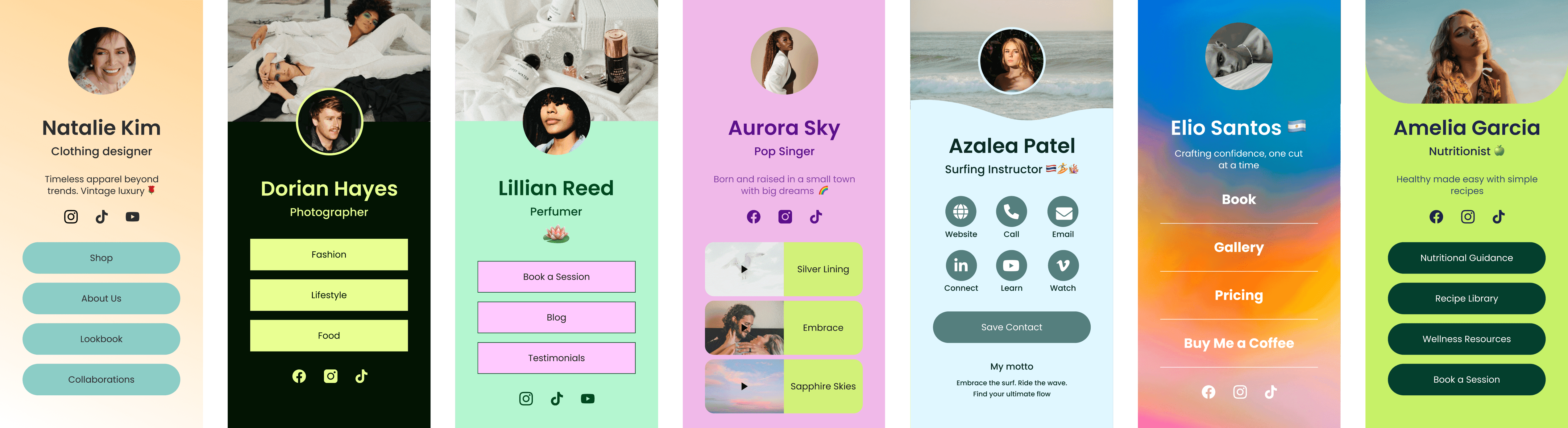
Scroll down to the Website section. This is the only field that supports clickable hyperlinks. Ensure the cursor is active in this box before pasting.
Delete any existing URL and paste your new custom link. Verify that the link is complete and starts with https://. Instagram will automatically display a preview of the link destination below the field.
Tap the checkmark icon in the top-right corner to save your changes. Return to your main profile view to confirm the link appears correctly and is clickable.
Once saved, your custom link is live. Test it by clicking it from a different account or using a private browser window to ensure it redirects correctly without errors.
Update TikTok bio settings
TikTok handles custom links differently than Instagram. While Instagram allows most accounts to place a clickable URL in the bio, TikTok restricts this feature based on follower count. You generally need at least 1,000 followers to add a clickable link directly in your profile. If you are below this threshold, your link will appear as plain text that users must copy and paste manually.
To update your custom link, open the TikTok app and navigate to your profile. Tap Edit Profile and locate the Website field. Paste your verified custom link here. If you have fewer than 1,000 followers, consider using a link-in-bio tool or directing users to your Instagram bio, which may have lower restrictions.
TikTok also requires you to verify your email address before enabling link functionality. Ensure your account settings show a verified email status to avoid errors when saving your changes. Once saved, test the link on a different device to confirm it directs users to the correct destination.
Track link performance metrics
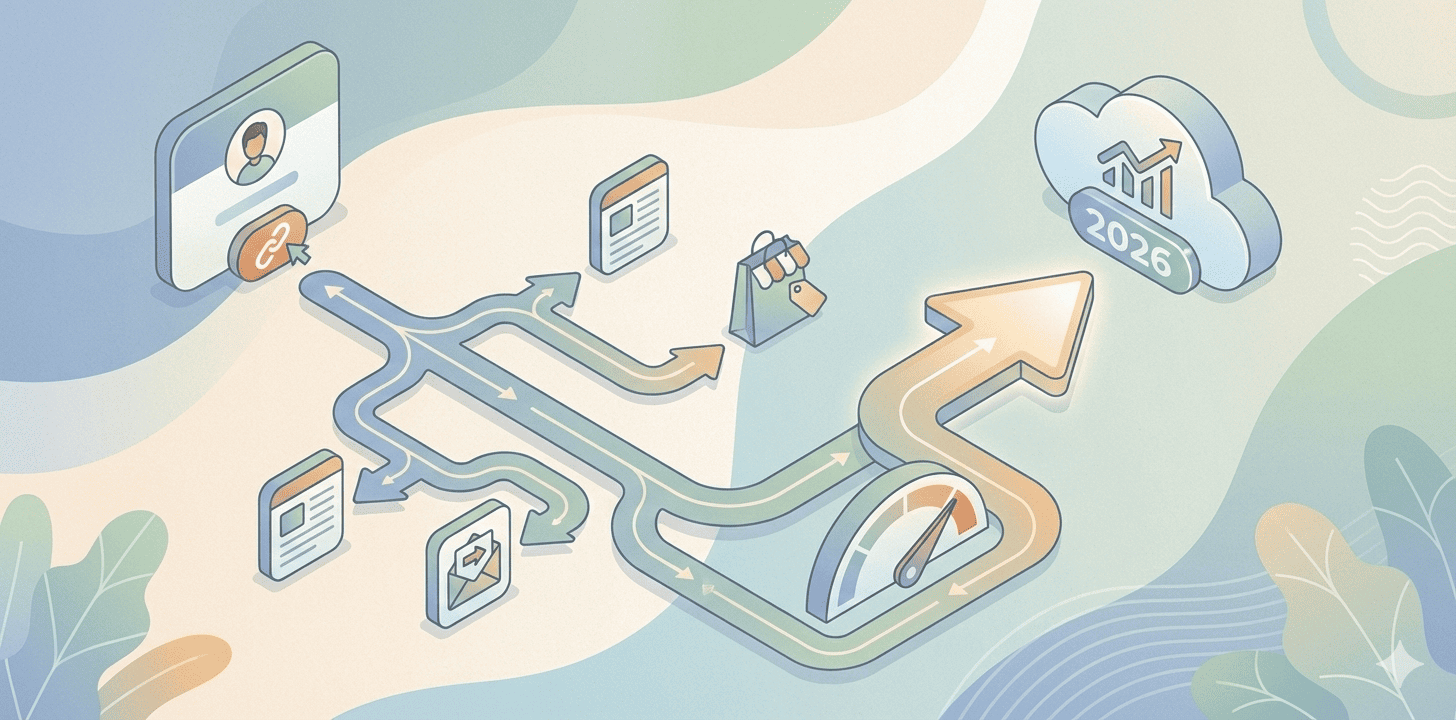
A custom link is only as valuable as the data it generates. Without tracking, you are guessing which content resonates with your audience. Tools like Bitly or Hovercode provide the analytics engine that turns clicks into actionable insights, allowing you to refine your strategy for Instagram and TikTok.
Focus on three core metrics to evaluate your custom link. Click-through rate (CTR) measures the percentage of viewers who click your link after seeing it. A low CTR suggests your call-to-action is weak or the link placement is poor. Geographic and device data reveal where your audience is and how they access your content, helping you tailor future posts to their habits.
Review these numbers weekly to spot trends. If clicks spike on specific days, schedule more posts during those windows. If mobile traffic dominates, ensure your landing page loads instantly on phones. This feedback loop transforms a static URL into a dynamic growth tool.
-
Click-through rate (CTR) percentage
-
Top traffic sources (Instagram vs. TikTok)
-
Device type breakdown (Mobile vs. Desktop)
-
Geographic location of visitors
Common custom link mistakes
Even a carefully built custom link can fail if basic technical checks are skipped. A broken link or missing security certificate damages audience trust faster than a poor design. Fixing these errors early keeps your traffic flowing and your analytics accurate.
Broken links and dead redirects
The most common error is pointing your custom domain to a URL that no longer exists or has moved. If your destination page changes, update the redirect immediately. Test the link in an incognito window to ensure it resolves correctly without loading old caches.
Missing SSL certificates
Browsers flag sites without HTTPS as "Not Secure." This warning scares away visitors and can hurt your search ranking. Ensure your link shortener or domain provider has automatically issued and renewed an SSL certificate. If you see a security block, the certificate is likely expired or misconfigured.
Poor UTM tagging
Without UTM parameters, you cannot track which social platform drove the click. Instagram and TikTok traffic often merges into generic "direct" traffic without proper tagging. Add source, medium, and campaign tags to your custom link to see exactly how each post performs.

Frequently asked: what to check next
How do I create a custom link for social media?
To create a custom link, you need a URL shortener or a domain you own. The process is straightforward: copy your long destination URL, paste it into a tool like Bitly or Canva, and edit the slug (the part after the slash) to something recognizable, like brand.com/new-post. This turns a messy string of characters into a clean, branded address that is easier for followers to type or remember.
What is the meaning of a custom link?
In social media marketing, a custom link is a shortened or branded URL that redirects users to a specific landing page. Unlike generic links that look like random code, a custom link often includes your brand name or a clear keyword. This transparency builds trust with your audience and makes your content look more professional across platforms like Instagram and TikTok.
Why should I use a custom link instead of a raw URL?
Raw URLs are long, ugly, and prone to typos, which can frustrate users trying to click through. A custom link solves this by being concise and memorable. It also allows you to track clicks and engagement through analytics dashboards, giving you data on how many people actually visited your site from your social posts.
No comments yet. Be the first to share your thoughts!