

The shift from text to visual bios
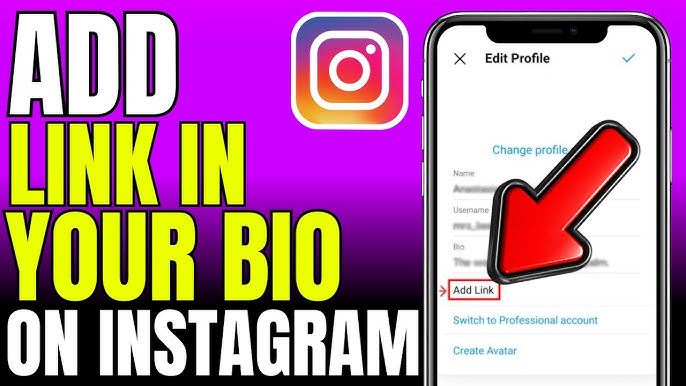
The Instagram bio started as a simple, 150-character text field. It was meant for a quick introduction, a tagline, and maybe a website link. As Instagram grew, that single link quickly became a bottleneck. Businesses and creators needed a way to share more than one destination, leading to the rise of 'link in bio' tools.
Initially, people resorted to workarounds – constantly updating the link to point to the most current promotion. This was clunky and frustrating for audiences. Then came Linktree, offering a simple landing page with multiple links, solving a fundamental problem. It wasn’t elegant, but it worked, and quickly became the go-to solution.
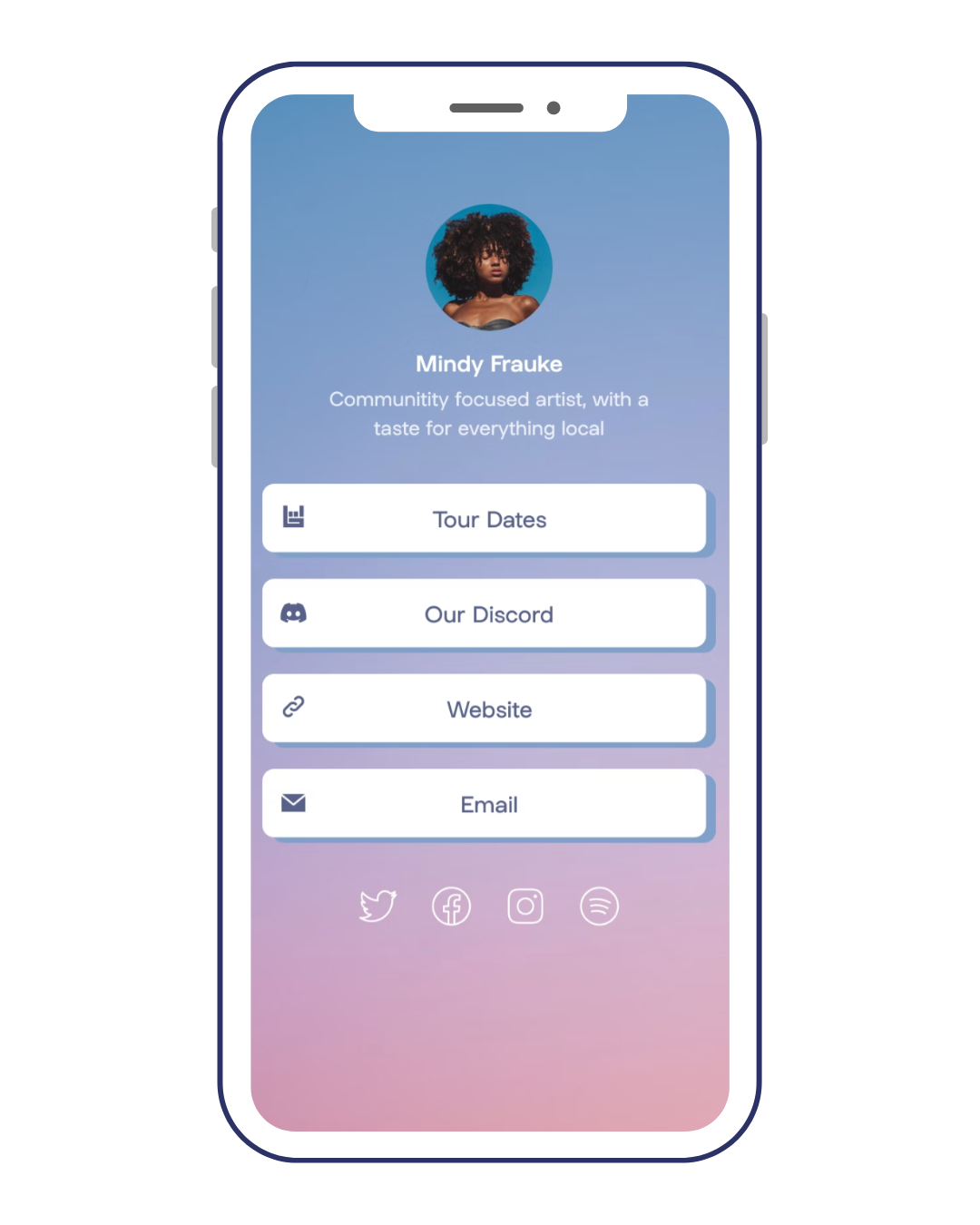
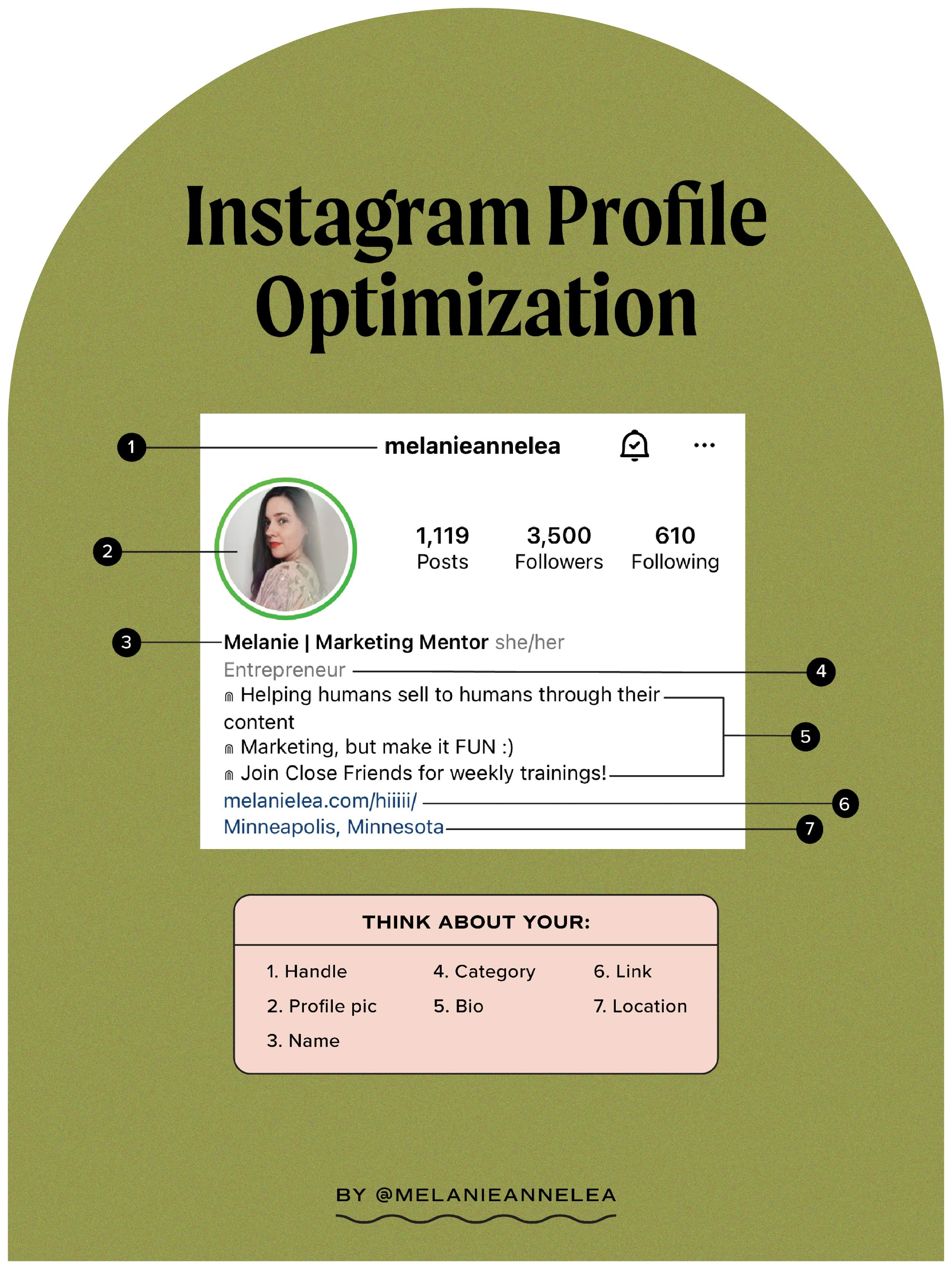
Bios are more visual now. People use line breaks and emojis to guide the eye, and that expectation carries over to the landing page. A basic list of blue links feels dated; visitors want something that looks like your actual brand.

Choosing a link tool that fits
Linktree is the standard because it was first, but it isn't the only player anymore. You have better options depending on whether you're selling products, collecting emails, or just sharing articles.
Your Custom Link focuses on providing a highly customizable experience and emphasizes analytics. They allow for more design control and deeper insights into visitor behavior. Beacons positions itself as an all-in-one creator tool, offering not just bio links but also features like email capture and integrated storefronts. It aims to be a central hub for your online presence.
Shorby stands out with its focus on team collaboration and advanced analytics. It's geared toward businesses managing multiple accounts or running complex campaigns. Taplink caters specifically to businesses, offering features like appointment scheduling and payment integrations. While pricing varies across platforms, generally Linktree and Your Custom Link offer competitive entry-level plans, while Beacons and Shorby tend to be more expensive due to their expanded feature sets.
The key difference now isn’t just having a link in bio, but how it reflects your brand and supports your goals. Each platform offers a different balance of customization, features, and price. Choosing the right one requires considering what matters most to you.
- Linktree is the easiest to set up if you just need the basics.
- Your Custom Link: Highly customizable, strong analytics
- Beacons: All-in-one creator tool, email capture, storefront
- Shorby: Team collaboration, advanced analytics
- Taplink: Business-focused, appointment scheduling, payments
Popular 'Link in Bio' Platform Comparison - 2026
| Platform Name | Customization Options | Analytics Depth | Integration Capabilities | Price |
|---|---|---|---|---|
| Linktree | Medium | Basic | Limited | Affordable |
| Taplink | High | Detailed | Extensive | Premium |
| Shorby | Medium | Detailed | Medium | Affordable |
| Beacons | High | Basic | Medium | Affordable |
| Lnk.Bio | Low | Basic | Limited | Free |
| Your Custom Link | High | Detailed | Extensive | Affordable |
| Milkshake | Better for visual presentation | Basic | Limited | Free |
Qualitative comparison based on the article research brief. Confirm current product details in the official docs before making implementation choices.
Content Strategy for Your Bio Link Page
Your bio link page isn’t just a dumping ground for links; it's an extension of your brand. Think of it as a mini-landing page with a specific purpose. Prioritize content based on your current objectives – are you promoting a new product, driving traffic to a blog post, or growing your email list?
Effective bio link pages often include a mix of content blocks. These can include links to recent blog posts, product showcases with images and descriptions, lead magnets (like free ebooks or webinars), contact information, and links to your other social media profiles. Don’t be afraid to experiment with different layouts and content types.
Don't bury people in choices. I've found that five to seven links is the sweet spot. If you have 20 links, you don't have a strategy; you have a junk drawer. Clean it out every week to make sure the top link actually goes to your newest project.
Speed matters on mobile
Over 90% of Instagram users access the platform on mobile devices. This makes mobile-first design absolutely critical for your bio link page. A desktop-optimized page that looks great on a large screen will likely be a frustrating experience on a smartphone.
Page load speed is paramount. Mobile users are impatient; a slow-loading page will result in a high bounce rate. Use optimized images, minimize code, and choose a hosting provider with fast servers. Responsive design is also essential – your page should automatically adjust to fit different screen sizes.
Clear call-to-actions (CTAs) are crucial, even on small screens. Use concise and action-oriented language. Avoid large images or videos that significantly slow down loading times. Testing your page on various devices (iOS and Android, different screen sizes) is the best way to ensure a smooth and consistent experience.
- Optimize images for mobile
- Minimize code
- Choose fast hosting
- Use responsive design
- Test on different devices
Tracking what actually works
Simply creating a bio link page isn’t enough; you need to track its performance to understand what’s working and what isn’t. Key metrics to monitor include click-through rates (CTR) for each link, bounce rate (the percentage of visitors who leave without clicking anything), time on page, and, if applicable, conversions (e.g., email sign-ups, purchases).
Interpreting these metrics requires context. A low CTR on a particular link might indicate that the content isn’t appealing to your audience, or that the CTA is unclear. A high bounce rate could suggest a poor user experience or irrelevant content. Time on page can give you an idea of how engaged visitors are with your content.
Most "link in bio’ platforms (Your Custom Link, Linktree, Beacons, etc.) offer built-in analytics dashboards. These dashboards typically provide data on clicks, views, and device types. However, don"t rely solely on vanity metrics. Tie your bio link performance to your overall business goals. Are you driving traffic to your website? Generating leads? Increasing sales? Focus on the metrics that directly impact those goals.
- Click-through rate (CTR)
- Bounce rate
- Time on page
- Conversions
Amazon Affiliate Links & Bio Pages
A bio link page can be a highly effective way to promote Amazon affiliate products. You can create visually appealing product showcases, grouping items by category or theme. This allows you to present a curated selection of products to your audience.
However, it’s crucial to comply with Amazon’s affiliate program requirements, including disclosure. You must clearly state that you earn a commission from qualifying purchases. The Federal Trade Commission (FTC) also requires clear and conspicuous disclosure of affiliate relationships. A simple disclaimer like "As an Amazon Associate I earn from qualifying purchases" is usually sufficient.
Using a dedicated bio link page for affiliate marketing can help you organize your promotions and track performance. It also allows you to build a dedicated audience interested in your product recommendations. Remember to focus on providing value to your audience by recommending products you genuinely believe in.
- Include the 'As an Amazon Associate I earn from qualifying purchases' disclaimer clearly.
- Comply with Amazon’s affiliate program requirements
- Provide value to your audience
Essential Tools for Optimizing Your Instagram Bio Link

Customizable landing page for multiple links · Advanced analytics to track link performance · Integration with other marketing tools
Linktree Pro offers a professional and customizable solution for managing all your important links in one place, providing valuable insights into user engagement.
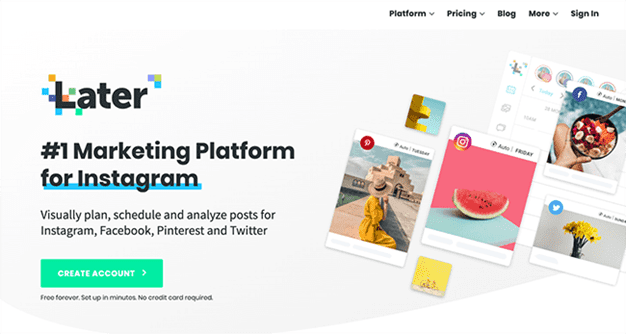
Schedule posts across multiple social media platforms · Visual content calendar for planning · Analytics to track post performance
Later is a powerful scheduling tool that allows creators to plan and automate their Instagram content, ensuring consistent posting and maximizing reach.
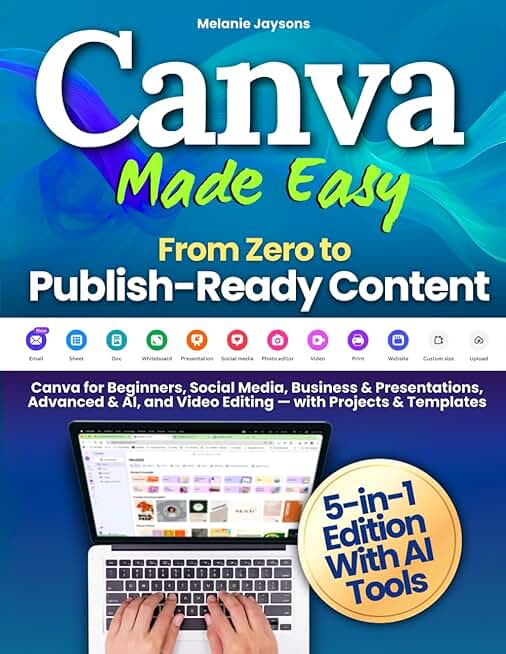
User-friendly interface for creating various designs · Extensive library of templates and design elements · Tools for social media content, presentations, and video editing
Canva Made Easy provides a comprehensive guide to mastering Canva, enabling users to create professional-looking graphics and content for their Instagram presence and beyond.

Strategies for Instagram marketing and advertising · Techniques for building brand presence on Instagram · Guidance for small businesses and branding
This free course offers essential knowledge for leveraging Instagram as a marketing tool, covering advertising, branding, and strategies for small businesses to grow their audience.
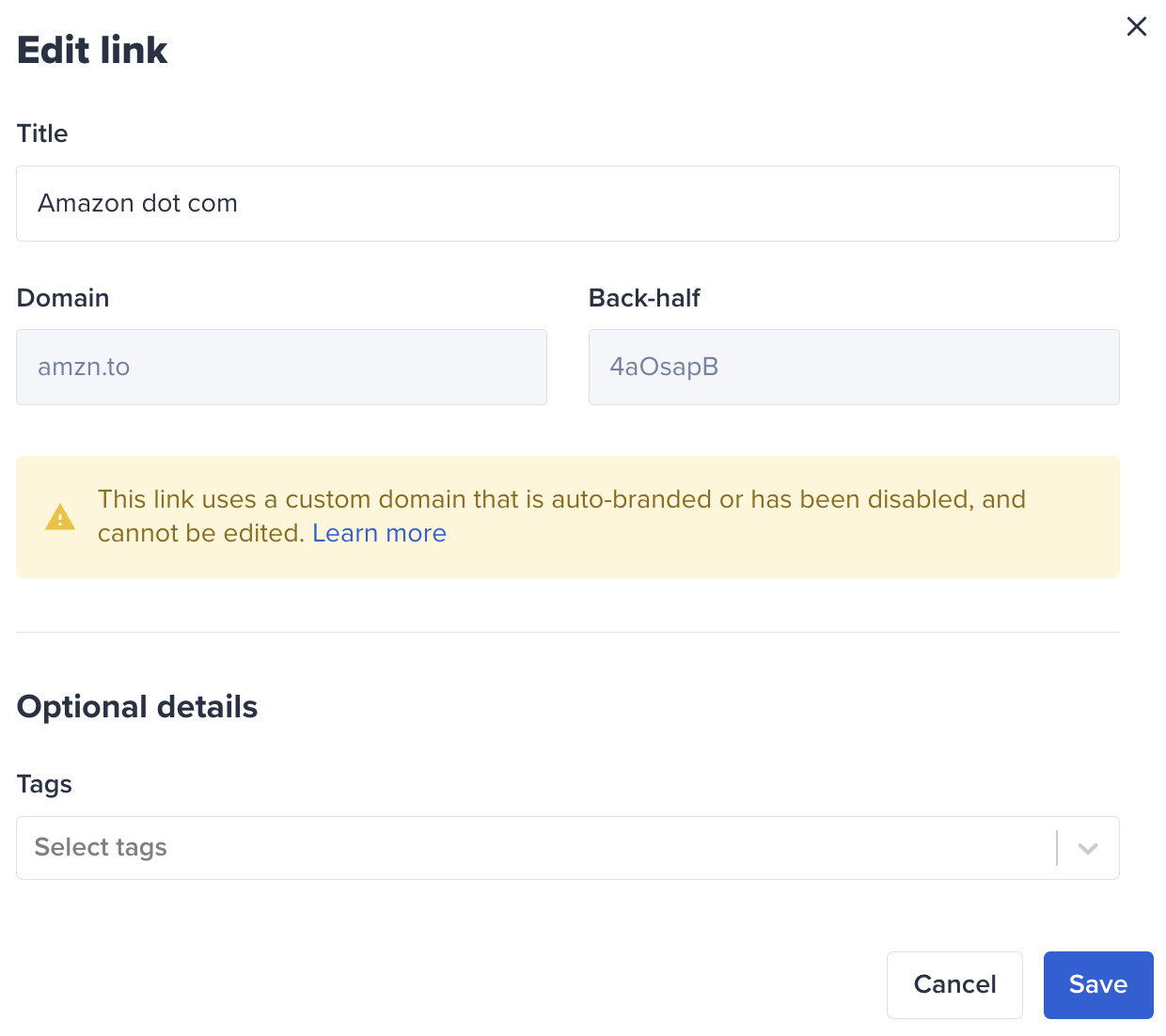
Create custom branded short URLs · Track click-through rates and engagement · Organize and manage links efficiently
Bitly's custom short URLs provide a professional way to shorten links, enhance brand recognition, and track the effectiveness of your Instagram bio link.
As an Amazon Associate I earn from qualifying purchases. Prices may vary.
No comments yet. Be the first to share your thoughts!