

The link problem on Threads and BeReal
Threads and BeReal, both relatively new additions to the social media world, present unique challenges when it comes to sharing links. Unlike established platforms like Instagram and TikTok, neither currently offers robust native support for external links within user profiles or posts. This is a frustration for many users who want to drive traffic to websites, promote content, or simply consolidate their online presence in one easily accessible place.
The lack of direct linking doesn’t mean it’s impossible, though. It just requires a bit more creativity and often, the use of third-party tools. Users want to be able to share more than just text and images; they want to connect their social media presence to their other online endeavors. The desire for a centralized hub for all your social media links is strong, and that's where the solutions begin.
Meta and BeReal update their apps often. While these steps work in late 2026, I expect native linking to eventually replace these workarounds. Until then, third-party tools are the only reliable way to move followers to your site.
How link-in-bio tools work
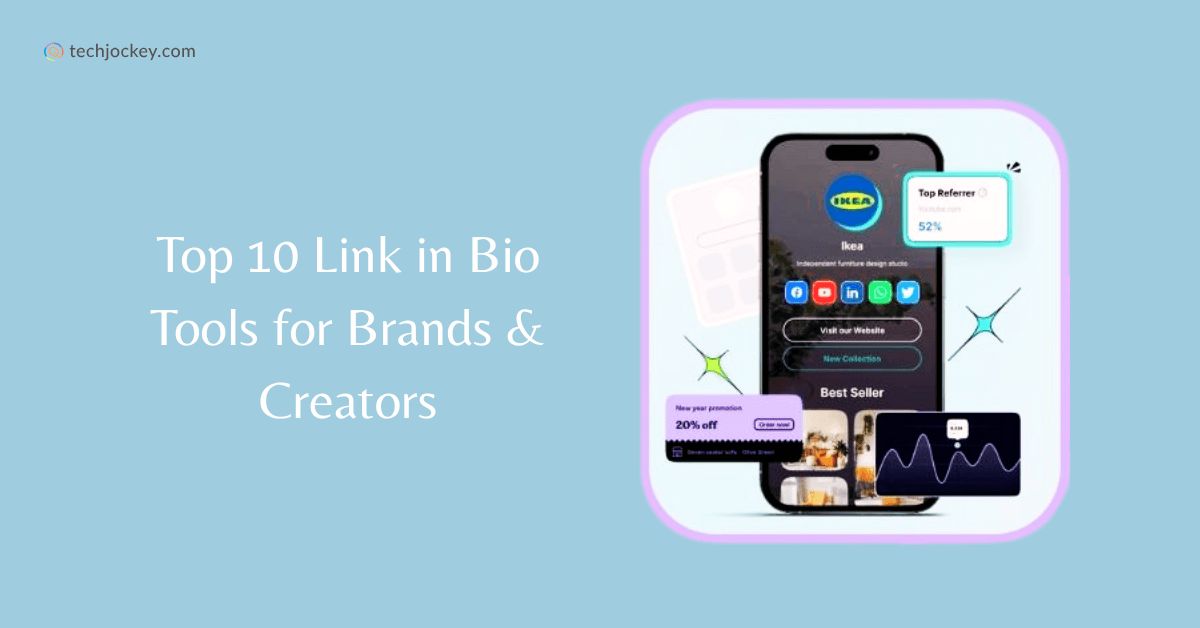
The rise of 'link-in-bio' tools is directly tied to the limitations initially imposed by Instagram. When Instagram restricted clickable links to bios, a need emerged for a way to share multiple links through that single bio space. These tools essentially create a mini-landing page that you can link to from your profile.
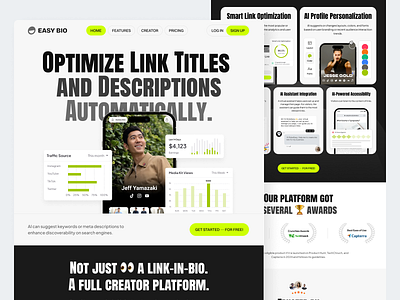
At their core, link-in-bio tools are simple. They allow you to compile a list of links – to your website, blog, other social media profiles, products, or anything else – and present them in a visually appealing and organized manner. This single link replaces the need to constantly update your bio with different URLs.
Most of these tools include click tracking and custom themes. You can use them to see which posts actually drive traffic. I've found that having a single, branded URL looks much cleaner than a raw link, especially when you're trying to look professional.
Threads workarounds
Threads’ text-based nature means your bio is prime real estate, but it’s also limited in length. Every character counts. When including a link, prioritize concise and descriptive text. Avoid lengthy explanations or overly promotional language. Get straight to the point: 'Website,' 'Shop,' 'New Blog Post,' etc.
Since direct links aren’t always ideal in a text-heavy feed, consider using URL shorteners like Bitly or TinyURL. These services condense long URLs into more manageable and visually appealing links. QR codes are another option, particularly if you're promoting Threads offline. They can be included in images or shared in other contexts.
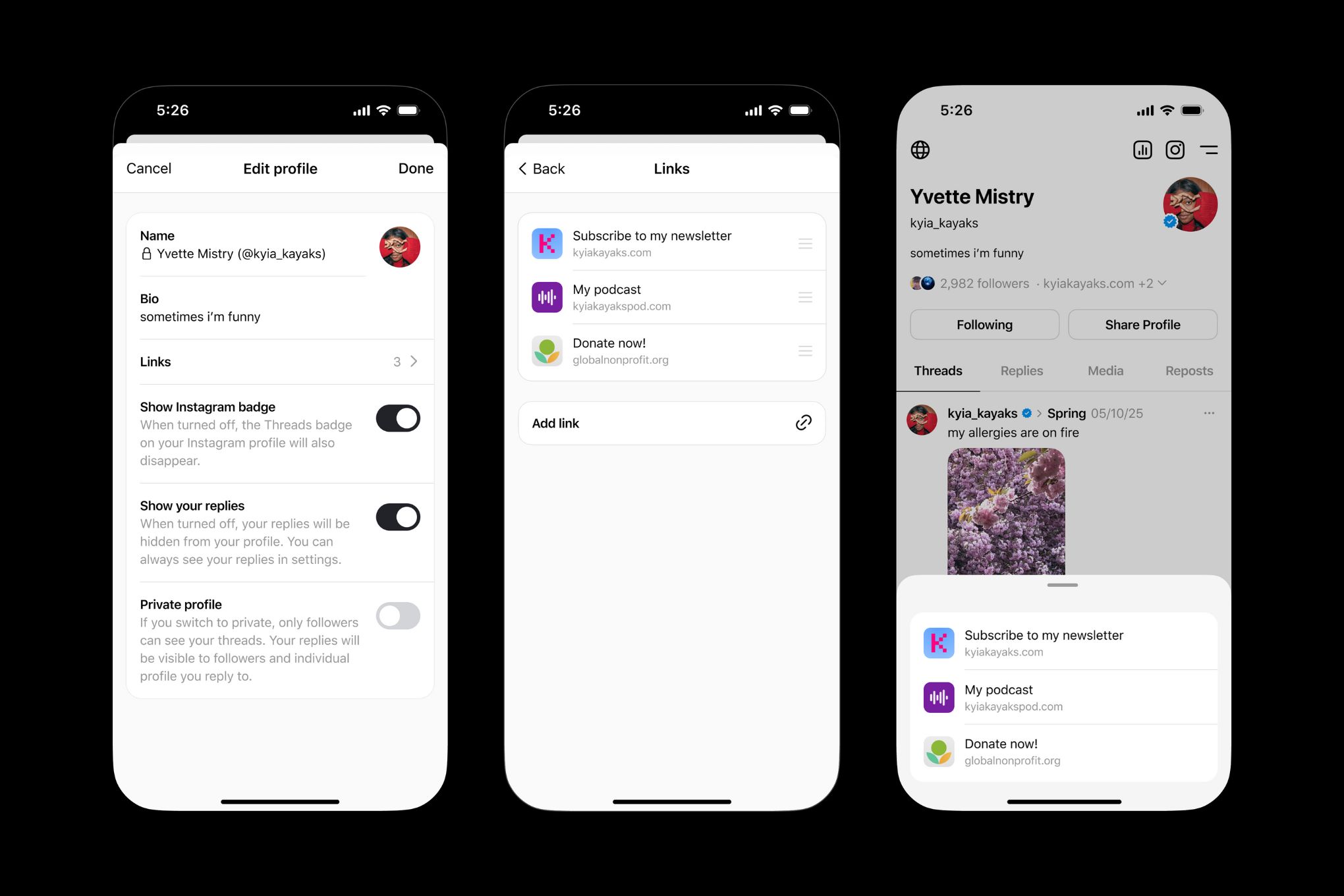
A link-in-bio tool is arguably the best approach for Threads. Direct users to your link-in-bio in your Threads bio with a clear call to action: 'Check out my links!' or 'More at my link in bio.' This creates a central hub for all your important links, allowing you to share multiple destinations without cluttering your Threads profile. Remember to regularly update the links on your landing page to keep them fresh and relevant. A clear call to action is crucial for driving traffic.
- Use short, descriptive button text like 'Shop' or 'Blog'.
- Use a URL shortener to make links more manageable.
- Consider QR codes for offline promotion.
- Direct users to your link-in-bio with a clear call to action.
Timing links on BeReal
BeReal’s defining characteristic – its spontaneous, time-limited posts – presents a unique challenge for link strategy. Unlike platforms that encourage consistent content creation, BeReal thrives on authenticity and in-the-moment sharing. Bombarding your followers with constant links can feel out of place and detract from the platform’s core appeal.
The key is to link to content that is directly related to your BeReal post. For example, if you post a photo of a new product you're working on, you could link to the product page. If you’re sharing a behind-the-scenes look at your office, you could link to your company’s website. The link should feel like a natural extension of the post, not an unrelated advertisement.
A link-in-bio tool can still be valuable for BeReal, but consider creating themed landing pages. Instead of a generic list of links, create pages tailored to specific topics or campaigns. This allows you to provide context and relevance to your audience. Remember, subtlety and authenticity are paramount on BeReal. Overly promotional links will likely be ignored or even viewed negatively.
Picking a tool
With numerous link-in-bio tools available, selecting the right one can feel overwhelming. Consider your specific needs and priorities. Do you need extensive customization options, or are you looking for a simple, straightforward solution? Are analytics important to you? Do you need integrations with other platforms?
Key features to look for include customization options (to match your branding), detailed analytics (to track performance), integrations with other platforms (like email marketing tools), ease of use (a user-friendly interface), and pricing (consider both free and paid plans). Mobile responsiveness is also crucial, as most users will access your link-in-bio on their smartphones.
If you need deep data, look for tools that support UTM parameters. This lets you see exactly which BeReal post led to a sale in your Google Analytics dashboard. Pick a tool that feels fast on your phone, since that's where you'll be updating it most of the time.
- Customization options
- Detailed analytics
- Integrations with other platforms
- Ease of use
- Pricing
Link-in-Bio Tool Feature Comparison (2026)
| Feature | Basic | Intermediate | Advanced |
|---|---|---|---|
| Customization | Limited template options | Good range of themes and branding | Excellent, fully customizable design |
| Analytics | Basic click tracking | Detailed link performance data | Comprehensive analytics with audience insights |
| Integrations | Limited to core social platforms | Good integration with popular marketing tools | Excellent, extensive API and webhook support |
| Price | Typically free or very low cost | Moderate monthly fee | Higher monthly fee with premium support |
| Ease of Use | Simple setup, limited features | Intuitive interface, moderate learning curve | Powerful features, requires some technical knowledge |
| Customer Support | Community forum access | Email support | Priority support with dedicated account manager |
| Team Collaboration | Single user access | Limited team member access | Full team collaboration features |
Illustrative comparison based on the article research brief. Verify current pricing, limits, and product details in the official docs before relying on it.
Setup guide
The process of setting up links with a link-in-bio tool is generally straightforward. First, sign up for an account with your chosen provider. Many offer free trials or basic free plans to get you started. Next, choose a template or start with a blank canvas, depending on your preference.
Add your links, providing clear and concise descriptions for each. Think about what will entice users to click. Customize the appearance of your landing page to match your brand – use your logo, colors, and fonts. Once you’re satisfied with your setup, connect your link-in-bio to your Threads and BeReal profiles by updating your bio with the generated link.
Check your dashboard once a week. If a link isn't getting clicks, change the button text or move it to the top. I usually swap out my featured link every time I post a new thread to keep the traffic moving.
- Sign up for an account.
- Choose a template or start from scratch.
- Add your links with clear descriptions.
- Customize the appearance.
- Connect to your profiles.
- Track analytics and adjust.
Advanced tracking
Once you’ve mastered the basics, consider exploring more advanced strategies. Using UTM parameters allows you to track the source of your traffic in Google Analytics, providing deeper insights into which links are driving the most conversions. A/B testing different link descriptions can help you optimize your click-through rates.
Creating landing pages tailored to specific campaigns can enhance the user experience and improve your results. Dynamic links – those that change based on user location or device – offer a personalized experience, but require more technical setup. Regularly updating your links is critical; stale links create a poor user experience.
Integrating your link-in-bio tool with other marketing tools, such as your email marketing platform, can streamline your workflow and automate tasks. This allows you to capture leads and nurture relationships with your audience more effectively. Continuous optimization and experimentation are key to maximizing the impact of your bio links.
How important are custom links to your social media strategy in 2026?
With newer platforms like Threads and BeReal continuing to evolve, we want to know how custom bio links fit into your overall social media approach. Your response helps us create more relevant guides and resources for managing your online presence across every platform. Vote below!

No comments yet. Be the first to share your thoughts!