

Why Your TikTok Shop Needs a Dedicated Bio Link in 2024
TikTok’s built-in linking options are… limited. The standard "View Shop" button is a start, but it sends customers directly into the TikTok Shop interface, which can be disorienting. It feels like a black box. You lose control over the customer journey and, crucially, you lose valuable data about how people are finding your products. This directly impacts potential revenue.
Imagine a customer sees a compelling video of your hand-poured candles and clicks to learn more. If they land on a generic shop page with dozens of products, the moment of inspiration is lost. They might not find the specific candle they wanted, and they're less likely to buy anything. This opportunity cost is significant.
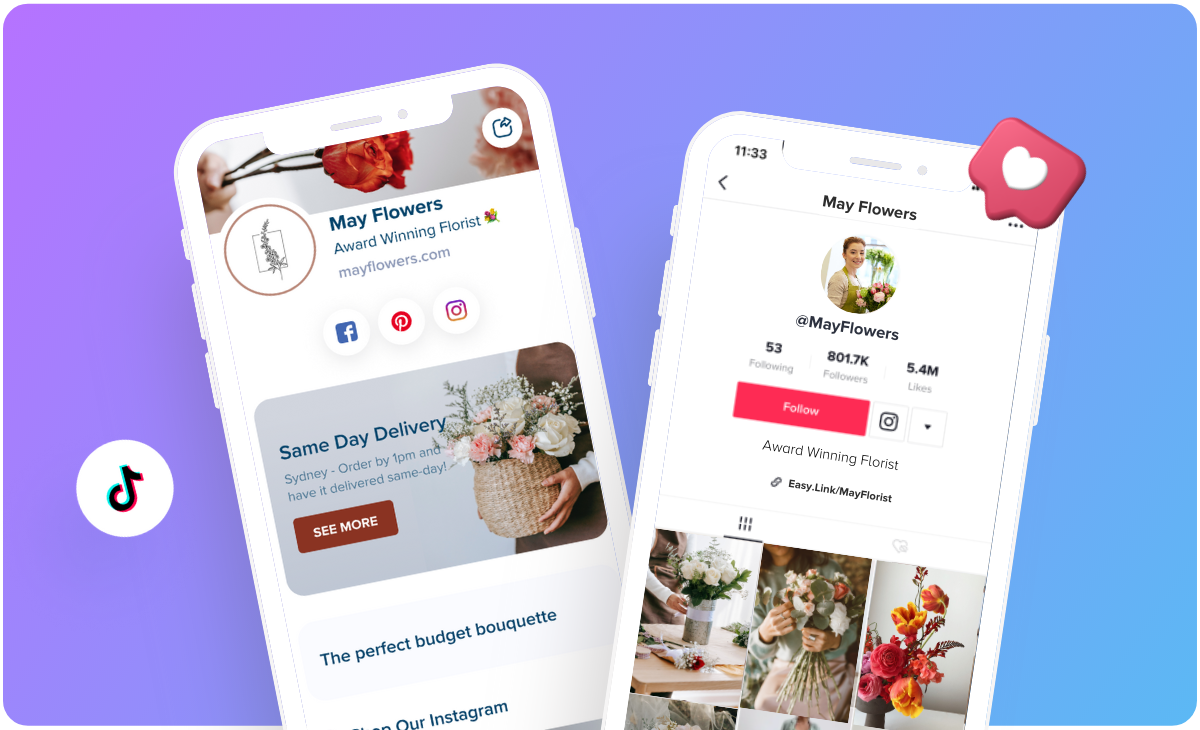
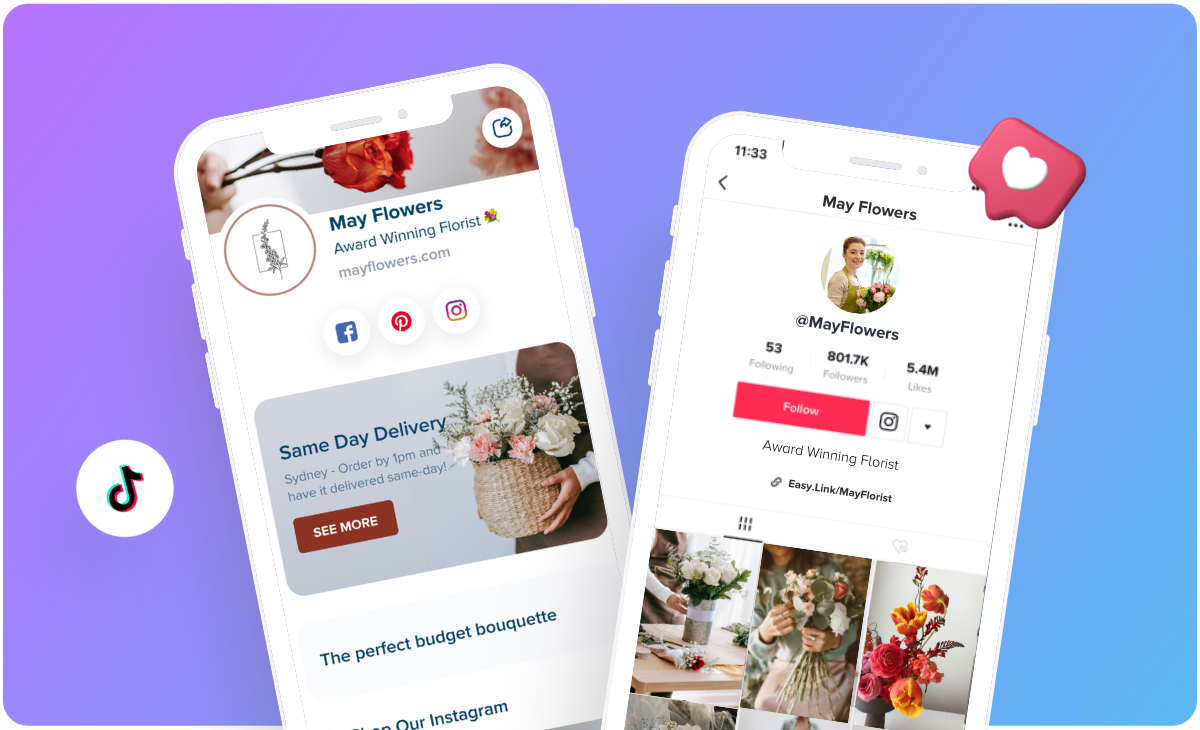
A dedicated bio link – powered by a service like Your Custom Link – solves this. It lets you create a customized landing page with direct links to specific products, curated collections, or even limited-time offers. You gain control over the presentation, the messaging, and the data. You can track exactly which products are driving the most traffic and sales, allowing you to refine your strategy and maximize your ROI.
We’ve seen clients increase click-through rates by as much as 30% simply by switching from the standard 'View Shop' button to a well-designed bio link. In a platform as fast-moving as TikTok, that kind of improvement can be the difference between success and stagnation. It’s not about if you need a bio link; it’s about how quickly you implement one.
TikTok Shop Account Requirements & Eligibility: What You Need to Know
Opening a TikTok Shop requires more than just a TikTok account. You’ll need to meet certain business and personal requirements, as outlined in the TikTok Seller Center. A valid business registration is a must – you can’t operate a TikTok Shop as an individual. You’ll also need to be of legal age to enter into contracts in your region.
Location restrictions apply. Currently, TikTok Shop is primarily available in the United States, United Kingdom, Indonesia, Malaysia, the Philippines, Singapore, Thailand, and Vietnam. Availability is expanding, but it’s not universal. Check TikTok’s official documentation for the most up-to-date list of supported countries.
Here’s where things get murky. TikTok doesn't publicly specify a minimum follower count for opening a shop. Online sources offer conflicting information, and TikTok's official resources are vague. However, it’s generally understood that having a substantial and engaged following will increase your chances of approval. Some reports suggest 1,000 followers are needed to unlock certain features, like adding links in your bio, but TikTok hasn't officially confirmed this.
A TikTok Business Account is required to qualify; personal accounts are not eligible. This allows you access to analytics, advertising options, and, of course, the TikTok Shop functionality. If you haven’t already, switch your account type in the TikTok settings. Be prepared to provide documentation verifying your business details during the application process.
Step-by-Step: Setting Up Your TikTok Shop and Seller Center
The TikTok Shop setup process happens entirely within the TikTok Seller Center. Navigate to the Seller Center homepage and start the registration process. You will be prompted to provide detailed information about your business, including your business name, address, and contact details. Accuracy is critical here; any discrepancies can delay your application.
Next comes bank account linking. This is essential for receiving payouts from your sales. You’ll need to provide your business bank account details, and TikTok will likely verify ownership through a small deposit or other authentication method. Ensure the bank account is in the same country as your registered business.
Once your account is verified,rified, you can start uploading products. TikTok allows you to add detailed product descriptions, images, and pricing information. Take the time to create high-quality product listings that accurately reflect what you’re selling. Poor quality listings will hurt your conversion rates.
Finally, you need to configure your operations. This includes setting up your fulfillment process (how you’ll ship orders) and your customer service procedures (how you’ll handle inquiries and returns). TikTok has specific policies regarding shipping times and customer support responsiveness, so make sure you understand and comply with them.
Here's a breakdown of the steps:
List: * Account Registration: Provide business details. * Bank Account Linking: Verify ownership. * Product Upload: Create compelling listings. * Operations Configuration: Set shipping and support policies.
Connecting Your TikTok Shop to Your Profile: Beyond the 'View Shop' Button
The "View Shop’ button that TikTok provides is functional, but it"s far from optimal. As we discussed earlier, it directs users to a generic shop page within TikTok, offering little control over the customer experience. It's a one-size-fits-all solution that doesn't account for the specific products you're promoting in a given video.
Integrating a Your Custom Link bio link offers a much more targeted and effective approach. Instead of sending everyone to the same place, you can create a dedicated landing page that showcases the exact products featured in your latest TikTok video. This dramatically increases the chances of a conversion.
With Your Custom Link, you can create a mini-shop within your bio link. You can add multiple product links, categorize them into collections (e.g., "New Arrivals,’ ‘Best Sellers,’ ‘Summer Collection"), and even include promotional offers like discount codes or free shipping. The possibilities are really quite extensive.
The process is straightforward. You'll create your landing page on the Your Custom Link platform, then copy the unique link generated by the service and paste it into the website field in your TikTok profile. It’s a simple change that can have a massive impact on your sales.
Designing a High-Converting TikTok Bio Link Landing Page for Your Shop
A beautifully designed bio link landing page isn’t just about aesthetics; it’s about maximizing conversions. Start with a clear and compelling call to action. Tell visitors exactly what you want them to do – "Shop Now,’ ‘Get 20% Off,’ ‘Discover Our New Collection." Use action-oriented language.
High-quality product images are non-negotiable. Use professional-looking photos that showcase your products in the best possible light. Multiple angles and close-up shots are ideal. Remember, people are buying with their eyes, especially on a visual platform like TikTok.
Mobile responsiveness is crucial. The vast majority of TikTok users are on mobile devices, so your landing page must look and function flawlessly on smartphones and tablets. Your Custom Link automatically ensures your pages are mobile-friendly.
Page loading speed is another critical factor. Slow-loading pages will frustrate visitors and lead to high bounce rates. Optimize your images and keep your landing page design streamlined. A/B test different layouts and offers to see what resonates best with your audience. For example, try different button colors or headline variations.
- Clear Call to Action: Tell visitors what to do.
- High-Quality Images: Showcase products effectively.
- Mobile Responsiveness: Ensure compatibility with all devices.
- Fast Loading Speed: Optimize for a smooth user experience.
Tracking & Analytics: Measuring the Success of Your TikTok Shop Bio Link
Your Custom Link provides detailed analytics that allow you to track the performance of your bio link. You can see how many clicks each link on your landing page receives, which products are most popular, and even the geographic location of your visitors. This data is invaluable for understanding what’s working and what’s not.
UTM parameters are essential for attributing sales to specific TikTok videos or campaigns. UTMs are tags you add to your bio link that allow you to track traffic in Google Analytics or other analytics platforms. For example, you could add a UTM parameter to the link you use in a video promoting a specific product.
Here's how to interpret the data: a high click-through rate indicates that your landing page is engaging and relevant. A low conversion rate suggests that there’s a problem with your product listings, pricing, or checkout process. By analyzing these metrics, you can make informed decisions about how to optimize your TikTok Shop and bio link.
Consider this table as a starting point for tracking key metrics:
- Metric: Clicks | Description: Total clicks on your bio link
- Metric: Conversion Rate | Description: Percentage of clicks that result in a purchase
- Metric: Revenue | Description: Total revenue generated through your bio link
- Metric: Top Products | Description: Products with the most clicks and conversions
Key TikTok Bio Link Metrics
| Metric | Description | How to Track | Actionable Insight |
|---|---|---|---|
| Clicks | The total number of times users click on the link in your TikTok bio. | TikTok Analytics (accessible with a Business Account) and your bio link tool's dashboard. | A low click count suggests your call to action isn't compelling enough. Experiment with different wording and visuals in your TikTok videos promoting the link. |
| Conversions | The number of users who complete a desired action after clicking your bio link (e.g., purchase a product, sign up for a newsletter). | TikTok Shop Seller Center analytics, integrated with your bio link tool if possible, or UTM parameters. | Low conversions indicate issues with your landing page experience. Ensure it's mobile-optimized, loads quickly, and clearly showcases your products/offer. |
| Revenue | The total monetary value generated from sales originating from clicks on your TikTok bio link. | TikTok Shop Seller Center analytics, often integrated with bio link tools. | Track revenue trends to identify top-performing products and optimize your bio link strategy accordingly. Focus on promoting items with higher conversion rates. |
| Click-Through Rate (CTR) | The percentage of TikTok profile viewers who click on your bio link. Calculated as (Clicks / Profile Views) * 100. | TikTok Analytics and your bio link tool's dashboard. | A low CTR means your bio isn't grabbing attention. Test different link previews, link text, and profile aesthetics. |
| Bounce Rate | The percentage of users who click your bio link and immediately leave the landing page without interacting further. | Google Analytics (if integrated with your landing page) or your landing page platform's analytics. | High bounce rates suggest the landing page isn't relevant to the content users expect based on your TikTok videos. Ensure alignment between content and destination. |
| Average Session Duration | The average amount of time users spend on the page linked in your bio. | Google Analytics or your landing page platform's analytics. | A short session duration suggests the landing page isn’t engaging. Improve content, design, or product descriptions to hold user attention. |
| Cost Per Acquisition (CPA) | The cost associated with acquiring a customer through your TikTok bio link. Calculated as (Total Ad Spend / Number of Conversions). | TikTok Ads Manager and TikTok Shop Seller Center analytics. | Monitor CPA to ensure your bio link strategy remains profitable. Adjust ad spend or landing page optimization accordingly. |
Data sourced from AI research — verify before making decisions
TikTok Shop Bio Link Strategies for 2024: Beyond Direct Product Links
Don’t limit your bio link to just direct product links. Think about how you can use it to build your email list and nurture leads. Offer a discount code or exclusive content in exchange for an email address. This allows you to stay in touch with potential customers and promote your products over time.
Promote limited-time offers and flash sales through your bio link. Create a sense of urgency by highlighting exclusive deals that are only available for a short period. This can drive a significant spike in sales.
Use your bio link to drive traffic to blog posts, how-to guides, or other content that supports your shop. For example, if you sell skincare products, you could link to a blog post about the benefits of different ingredients. This provides value to your audience and establishes you as an authority in your niche.
Consider running contests or giveaways through your bio link. This is a great way to generate excitement and increase brand awareness. You can require participants to follow your TikTok account and tag friends in the comments to enter. It's a proven strategy for growth.
- Lead Generation: Offer discounts for email sign-ups.
- Flash Sales: Create urgency with limited-time offers.
- Content Marketing: Drive traffic to informative blog posts.
- Contests/Giveaways: Increase brand awareness and engagement.
What is your primary goal for your TikTok Shop bio link?
Help us understand your priorities for optimizing your TikTok Shop bio link. Your feedback helps us tailor our content to your needs.
Troubleshooting Common TikTok Shop Bio Link Issues
Broken links are a common problem. Double-check that all of your links are working correctly and that they point to the correct product pages. Use a link checker tool to identify any broken links.
Tracking errors can occur if UTM parameters are not set up correctly. Ensure that you’re using the correct UTM syntax and that you’re consistently applying them to all of your links. Consult Your Custom Link’s documentation for guidance.
Slow loading speeds can be caused by unoptimized images or a poorly designed landing page. Optimize your images and keep your landing page design streamlined. Consider using a content delivery network (CDN) to improve loading times.
Mobile responsiveness issues can be addressed by using a responsive landing page builder like Your Custom Link. Ensure that your landing page looks and functions flawlessly on all devices. If you’re still experiencing problems, contact Your Custom Link’s support team for assistance.
- Broken Links: Verify link functionality and correct URLs.
- Tracking Errors: Ensure correct UTM parameter setup.
- Slow Loading Speeds: Optimize images and streamline design.
- Mobile Responsiveness: Use a responsive landing page builder.
No comments yet. Be the first to share your thoughts!