

Choose a reliable link management tool
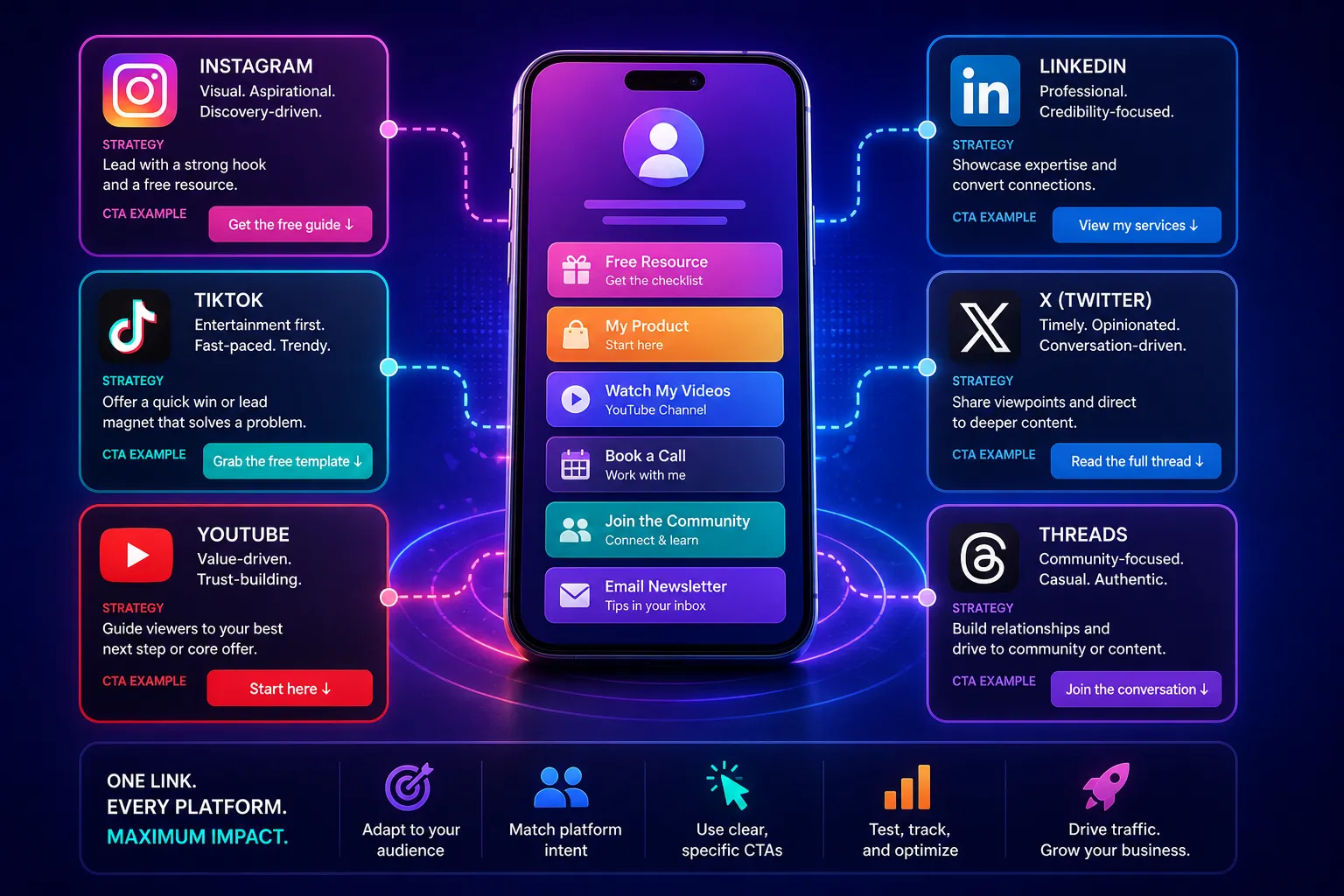
Your Instagram bio and TikTok profile are prime real estate, but a raw, unbranded URL looks unprofessional and offers no data. To build a custom link that actually works for your brand, you need a dedicated link management platform. These tools let you replace generic strings with your own domain while tracking every click.
When selecting a provider, prioritize two non-negotiable features: custom domain support and robust analytics. Without a custom domain, your links look like spam. Without analytics, you are flying blind, unable to see which content drives traffic. Most major platforms offer free tiers that include these basics, making it easy to start without financial risk.
Two widely recognized options in this space are Bitly and Short.io. Bitly is a long-standing industry standard known for its reliability and extensive integration ecosystem. Short.io is a strong alternative that focuses heavily on branded domains and provides generous free-tier limits for high-volume creators.
| Feature | Bitly | Short.io |
|---|---|---|
| Custom Domains | Yes (Paid plans) | Yes (Free tier) |
| Analytics Depth | Advanced | Standard |
| Free Tier Limits | Limited clicks | Up to 1,000 links |
| QR Code Support | Yes | Yes |
Both platforms allow you to create short, trackable URLs that redirect to your target content. The choice often comes down to whether you need advanced enterprise features or just a clean, branded link with basic click data. Start with the free tier of either to test the workflow before committing to a paid plan.

As an Amazon Associate, we may earn from qualifying purchases.
Configure your custom domain settings
Connecting a custom domain transforms a generic short link into a branded asset that social media audiences recognize immediately. This step establishes authority and trust, ensuring your audience knows exactly where they are before they click.
Most link tools require you to verify ownership by adding a DNS record to your domain provider. This process typically involves creating either a CNAME or an A record, depending on your provider's interface and the tool's requirements.
Log in to your domain registrar (e.g., GoDaddy, Namecheap, Cloudflare) and navigate to the DNS management or zone file section. This is where you control how your domain points to the internet.
Follow the instructions provided by your link tool. If using a CNAME record, set the host to www or @ and the value to the specific subdomain your link tool provides (e.g., yourbrand.linktool.com). If using an A record, enter the IP address provided. This tells the internet where to find your link page.
Return to your link tool dashboard and click the "Verify" or "Connect" button. The tool will check if the DNS record is live. This process can take anywhere from a few minutes to 48 hours, though it often completes within an hour.
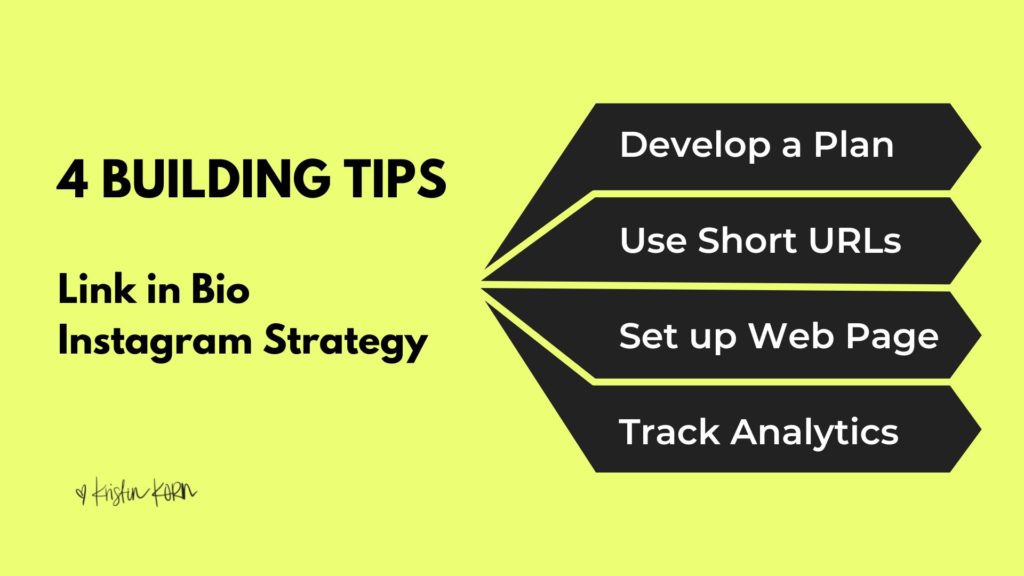
Once verified, update the link in your Instagram and TikTok bios to point to your new custom domain (e.g., link.yourbrand.com). This ensures that traffic from both platforms uses your branded domain, reinforcing your brand identity.
Create the specific destination URL
A custom link for Instagram and TikTok is not just a shortened address; it is a structured path that directs traffic from your social profile to a specific destination. Because both platforms restrict external links in captions and comments, the bio link is the primary bridge between your content and your business. Constructing this URL correctly ensures that users land exactly where you intend, reducing friction and improving conversion rates.
Choose the right domain structure
Start by selecting a domain that reinforces your brand identity. A custom domain (e.g., go.yourbrand.com) appears more trustworthy than a generic shortener URL (e.g., bit.ly/xyz). Trust is critical in finance and high-stakes niches, where users are cautious about clicking unknown links. If you do not have a custom domain, use a reputable, well-known shortening service to maintain credibility.
Define the path and parameters
The path segment of your URL should clearly indicate the destination. Avoid random alphanumeric strings. Instead, use descriptive slugs like /launch or /guide. This helps users verify the link’s purpose before clicking. Additionally, append UTM parameters to track performance. For example, ?utm_source=instagram&utm_medium=bio&utm_campaign=launch allows you to measure exactly how much traffic originates from your Instagram bio versus your TikTok profile.
Test the link across platforms
Before finalizing, test the URL on both mobile and desktop devices. Instagram and TikTok users primarily access content via mobile, so ensure the landing page loads quickly and displays correctly on smaller screens. Use a link preview tool to verify that the meta title and description render correctly when the link is shared. This preview often appears in chat interfaces or preview cards, serving as a final trust signal.
Implement dynamic redirect capabilities
Static links become a liability if your landing page URL changes. Use a dynamic link shortener that allows you to edit the destination URL without changing the short link itself. This means you can update the underlying page (e.g., from a pre-launch page to a live sales page) while keeping the same bio link. This flexibility is essential for maintaining consistent traffic flow during campaigns. Hovercode and similar tools offer this dynamic management, allowing you to track engagement and edit destinations from a single dashboard.
Test the link across both platforms
Before you publish your custom link to Instagram and TikTok, you need to verify it works exactly as intended. A broken redirect or a loop will kill your conversion rate instantly. Treat this step like a dress rehearsal: if the link doesn’t open cleanly on a mobile device, it doesn’t exist.
Start by opening the link in a private or incognito browser window. This bypasses cached redirects and ensures you are seeing the actual destination, not a stale version stored on your device. Check for these common failures:
- Redirect loops: The page reloads endlessly without loading content.
- Broken paths: The URL changes to a 404 error or an unexpected landing page.
- Ugly fallbacks: The short URL reverts to a long, unbranded string.
Once the browser test passes, move to mobile. Instagram and TikTok users click links from their phones, not desktops. Open the link in the default mobile browser (Safari on iOS, Chrome on Android). Verify that the landing page loads fully, buttons are tappable, and no pop-ups block the initial view.
Finally, run a quick checklist to catch platform-specific quirks. Some link shorteners may flag certain domains as spam if they haven’t been warmed up yet.
-
Open link in incognito mode to bypass cache
-
Verify no redirect loops or 404 errors
-
Test on iOS Safari and Android Chrome
-
Confirm landing page loads without blockers
If any step fails, return to your link provider. Most services offer instant preview modes. Fix the path, save, and re-test until the flow is smooth. Only then is your custom link ready for the public eye.
Common mistakes to avoid
Building a custom link is straightforward, but a few simple errors can undermine your efforts. The goal is to create a link that feels trustworthy and native to your brand. When users see a familiar domain, they are more likely to click. When they see a messy or suspicious URL, they hesitate.
The most frequent mistake is ignoring domain expiration. If you let a domain lapse, even for a day, you lose control. A new owner could buy it and redirect traffic to competitors or, worse, malicious sites. Always set up auto-renewal and keep your contact information current. This is not just about convenience; it is about maintaining the integrity of your custom link.
Another critical error is mismatched branding. Your custom link should reflect your Instagram or TikTok handle and visual identity. If your TikTok handle is "@CoolStyle" but your link points to "BestDeals123.com," you create cognitive friction. Users may wonder if the link is legitimate. Consistency builds trust. Ensure your domain name is easy to spell, pronounce, and remember.
Using free subdomains is also risky. While platforms like WordPress or Wix offer free subdomains, they often look unprofessional. More importantly, social media algorithms may flag these as spam. A clean, custom domain signals legitimacy to both users and platforms.
Finally, test your link thoroughly. Click it on mobile and desktop. Check if it redirects correctly to your Instagram or TikTok profile. Broken links are the fastest way to lose engagement. A few minutes of testing can save you from embarrassing errors later.
No comments yet. Be the first to share your thoughts!