

The bio link ecosystem
Social media platforms, despite their power for connection, generally restrict where you can send people. Instagram, TikTok, X – they all give you limited space for outbound links, usually just one prominent spot in your bio. This creates a bottleneck. You want to direct followers to your website, a new product, a recent blog post, or multiple places at once, but you’re stuck.
This limitation is why "bio link’ tools exploded in popularity. Initially, these were simple aggregators: a landing page hosting a list of links. But they’ve quickly evolved. Now, they offer customization, analytics, and even mini-website capabilities. It’s no longer just about having a link; it"s about creating a mobile-optimized experience.
The problem is, most people aren’t operating on just one platform. A creator might be active on Instagram, TikTok, X, and Facebook simultaneously. Managing separate link-in-bio pages for each feels…clunky. It's a fragmented experience for your audience, and a headache for you. Keeping everything consistent, updated, and tracked across platforms is a growing challenge.
I think we’re hitting a turning point where a singular approach to bio links isn’t enough. The need for centralized management is becoming increasingly clear, and the tools are finally catching up to meet that demand. The days of copy-pasting links across multiple platforms are numbered.
Platform quirks
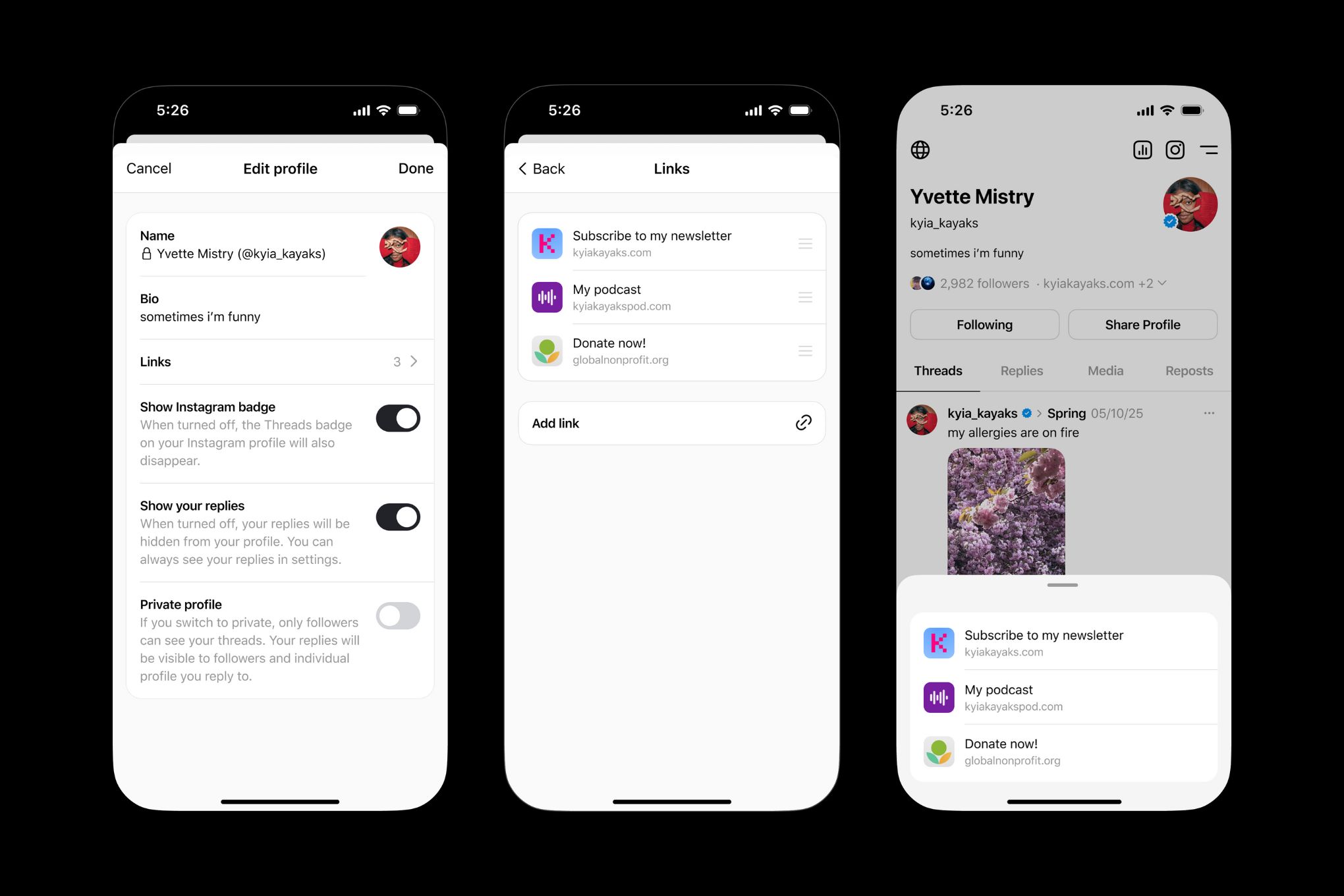
Each social media platform has its own unique approach to links, and understanding these nuances is critical. Instagram, famously, allows only one link in your bio. This makes a link-in-bio tool nearly essential for anyone wanting to share more than a single destination. Character limits aren’t a huge issue in the bio itself, but the link destination matters – a long, unwieldy URL looks messy.
TikTok’s focus is short-form video, which inherently changes link strategy. While you can add a link to your profile, the platform prioritizes content discovery within TikTok. Successful TikTok link strategies often involve creating compelling videos that drive viewers to the bio link. The platform also offers TikTok Shop, which integrates commerce directly.
X (formerly Twitter) has a character limit of 280 characters, which includes the link itself. This necessitates link shortening, but also forces you to be concise with any accompanying text. User behavior on X is also different; people are often looking for quick information and immediate action, so your link copy needs to be compelling.
Facebook allows more flexibility, but the link preview can be unreliable. It’s important to test how your links appear on Facebook to ensure the preview accurately reflects your content. YouTube allows links in the video description, and also allows "cards" that appear during the video, offering clickable links. This is a powerful way to drive traffic at relevant moments.
It's not just about technical limitations, though. User expectations differ. Someone arriving from a visually-driven platform like Instagram will have different needs than someone coming from the fast-paced environment of X. A good link strategy considers these behavioral differences.
Beyond the List: Modern Bio Link Features
The original concept of a bio link page – a simple vertical list of links – feels dated now. Modern tools offer a wealth of features designed to enhance the user experience and provide valuable insights. Link scheduling is a big one. You can now pre-schedule changes to your bio link page, aligning promotions with specific campaigns.
Analytics are crucial. Basic click tracking is standard, but more advanced tools provide geographic data, referral sources, and even device information. This data allows you to understand where your traffic is coming from and how people are interacting with your links. Knowing which platforms drive the most engagement is invaluable.
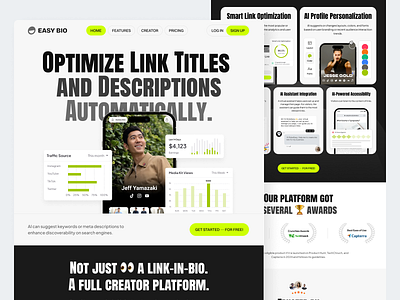
Customization options are also key. Most tools allow you to brand your link-in-bio page with your logo, colors, and fonts. Some even offer more extensive design control, allowing you to create a mini-website that feels fully integrated with your brand identity. This is especially important for businesses wanting to maintain a consistent brand image.
Integrations with other tools are becoming increasingly common. You can connect your bio link page to email marketing platforms like Mailchimp or Klaviyo to capture leads, or to e-commerce platforms like Shopify to drive sales. These integrations streamline your workflow and provide a more seamless experience for your audience.
- Link Scheduling
- Analytics for clicks, geography, and device types
- Custom Branding
- Email Marketing Integrations
- E-commerce Integrations
- Custom Domains
The friction of multi-platform management
Managing separate bio links for each platform is a surprisingly time-consuming task. Updating a single link across five different platforms can take several minutes, and that’s assuming you remember to update all of them. This is especially problematic for time-sensitive promotions or limited-time offers.
The risk of inconsistencies is also high. It’s easy to forget to update one of your bio links, leading to a disjointed experience for your audience. A visitor clicking a link from Instagram might be directed to an outdated promotion, while someone clicking from TikTok sees the latest offer. This damages credibility.
Tracking performance across platforms is a nightmare without a centralized solution. You’re forced to log into each platform individually to gather data, and then manually compile it into a spreadsheet. This is inefficient and prone to errors. It's hard to get a holistic view of what's working.
I see a lot of people trying to get away with simply duplicating the same link across all platforms. While this is easier, it’s often a bad idea. It ignores the unique user behavior and platform quirks we discussed earlier. A one-size-fits-all approach rarely works.
Advanced Strategies: UTM Parameters & Tracking
Simply having a bio link is only half the battle. You need to understand how people are finding your links and which platforms are driving the most traffic. This is where UTM parameters come in. UTM parameters are tags you add to your links that allow you to track their performance in Google Analytics (or other analytics platforms).
A UTM code consists of three main parts: `utm_source`, `utm_medium`, and `utm_campaign`. `utm_source` identifies the platform (e.g., instagram, tiktok). `utm_medium` identifies the marketing medium (e.g., social, bio). `utm_campaign` identifies the specific campaign (e.g., summer_sale, product_launch). For example: `
Creating UTM codes is easy. Google offers a free UTM builder tool (search for 'Google Campaign URL Builder'). Once you’ve added UTM parameters to your links, you can track their performance in Google Analytics by navigating to Acquisition > Campaigns > All Campaigns. This data will show you which platforms and campaigns are driving the most traffic and conversions.
Integrating this data with your overall marketing strategy is crucial. If you discover that Instagram is driving significantly more traffic than TikTok, you might want to allocate more resources to Instagram. If a particular campaign is performing well, you can replicate its success with future campaigns. UTM parameters are the key to data-driven decision-making.
AI and dynamic links
The future of bio link management is likely to be heavily influenced by artificial intelligence. Imagine a bio link page that dynamically changes content based on the user’s location, time of day, or past behavior. AI could personalize the links shown to each user, maximizing engagement and conversions.
Dynamic bio links are already starting to emerge. Some tools allow you to schedule different content to appear on your bio link page at different times. For example, you could promote a breakfast special in the morning and a happy hour promotion in the evening. This is a simple form of dynamic content, but it’s a step in the right direction.
I anticipate deeper integrations with social commerce platforms. As social shopping becomes more prevalent, bio links will play an even more important role in driving sales. AI could be used to recommend products based on a user’s browsing history or purchase behavior. We might even see bio links that allow users to complete purchases directly within the bio link page.
Another potential trend is the use of AI to analyze link performance and automatically optimize your bio link page. AI could identify which links are performing well and which are not, and then adjust the content accordingly. This would free up marketers to focus on other tasks.
Security and privacy
Using a third-party bio link tool introduces security and privacy considerations. These tools collect data about your links and your audience, so it’s important to choose a reputable provider with a strong track record of data security. Review their privacy policy carefully to understand how your data will be used.
Ensure the provider is GDPR compliant if you’re targeting users in the European Union. This means they must obtain consent before collecting and processing personal data. Be wary of tools that collect excessive amounts of data or share your data with third parties without your consent.
Link shortening services, while convenient, can also be used to mask malicious links. Be cautious about clicking on shortened links from unknown sources. Always verify the destination URL before entering any personal information. A trustworthy bio link tool will have measures in place to prevent the spread of malicious links.
Protect your account credentials for the bio link tool. Use a strong, unique password and enable two-factor authentication if available. Regularly review your account activity for any suspicious behavior. By taking these precautions, you can minimize the risk of security breaches and protect your data.

No comments yet. Be the first to share your thoughts!